Best SEO Plugins for WordPress in 2026
≡Table of Contents
Search Engine Optimization (SEO) is crucial for any WordPress website looking to rank well in search results and drive organic traffic. With the right SEO plugin, you can optimize your content, improve technical SEO aspects, and gain valuable insights to boost your rankings. In this guide, we'll explore the top SEO plugins for WordPress in 2026.
Why You Need an SEO Plugin for WordPress
WordPress is SEO-friendly out of the box, but a dedicated SEO plugin can take your optimization efforts to the next level by providing:
- Content Optimization: Tools to analyze and improve your content for target keywords
- Technical SEO: Features to enhance site structure, XML sitemaps, robots.txt, and schema markup
- On-Page SEO: Control over meta titles, descriptions, and other on-page elements
- Performance Analysis: Insights into how your SEO efforts are performing
- Integration: Compatibility with other WordPress tools and plugins
Top SEO Plugins for WordPress
1. Yoast SEO
Best for: All-in-one SEO solution for beginners and professionals
Yoast SEO remains one of the most popular and comprehensive SEO plugins for WordPress, with over 5 million active installations. It offers a wide range of features for content and technical SEO optimization.

Key Features:
- Real-time content analysis with actionable suggestions
- Preview how your page will appear in search results
- XML sitemap generation
- Social media integration
- Advanced schema markup
- Readability analysis
- Internal linking suggestions
Pricing: Free version available with premium plans starting at $99/year
2. Rank Math
Best for: Feature-rich SEO with a lightweight footprint
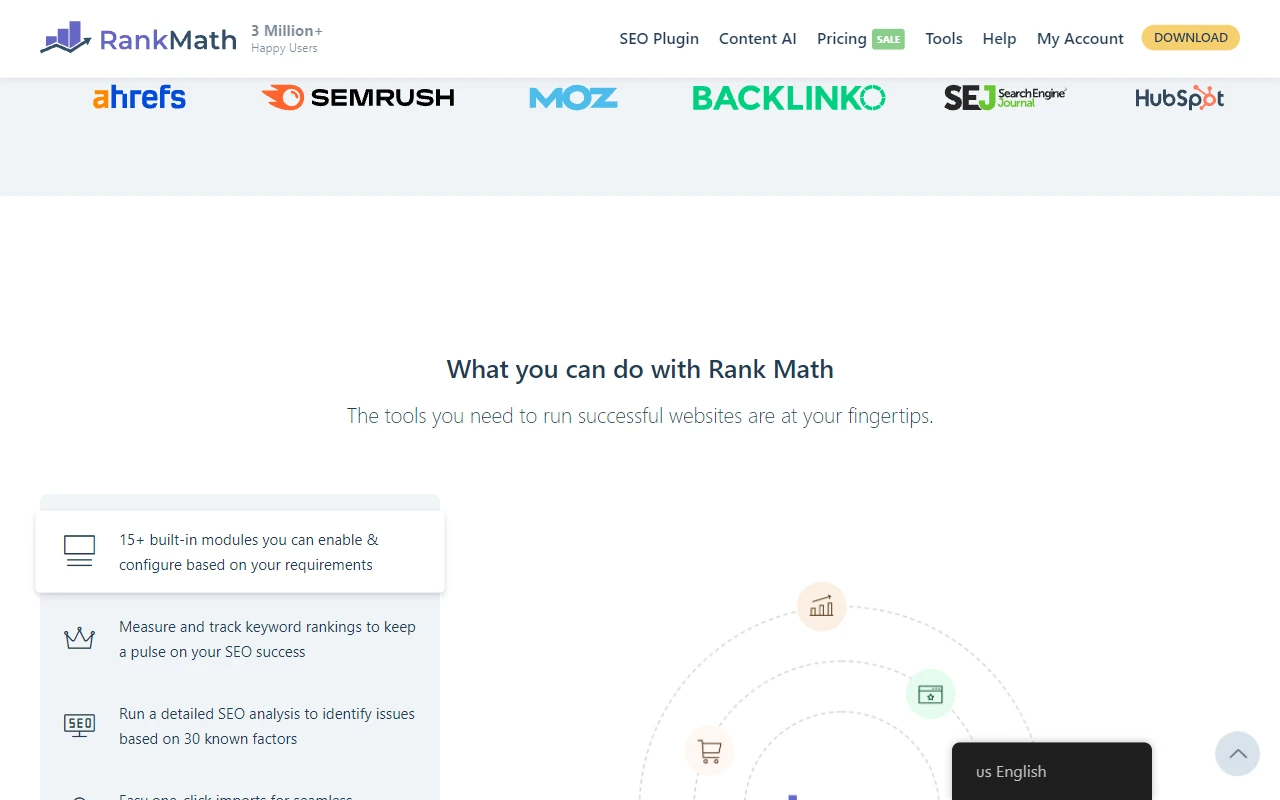
Rank Math has quickly gained popularity as a powerful alternative to Yoast, offering many premium features in its free version while maintaining a lightweight code footprint.
Key Features:
- Integrated Google Search Console
- Advanced schema markup generator
- SEO performance tracking
- Multiple keyword optimization
- Content AI assistant (premium)
- 404 error monitor and redirections
- Local SEO and Knowledge Graph support
Pricing: Robust free version with premium plans starting at $59/year
3. All in One SEO (AIOSEO)
Best for: User-friendly SEO with comprehensive tools
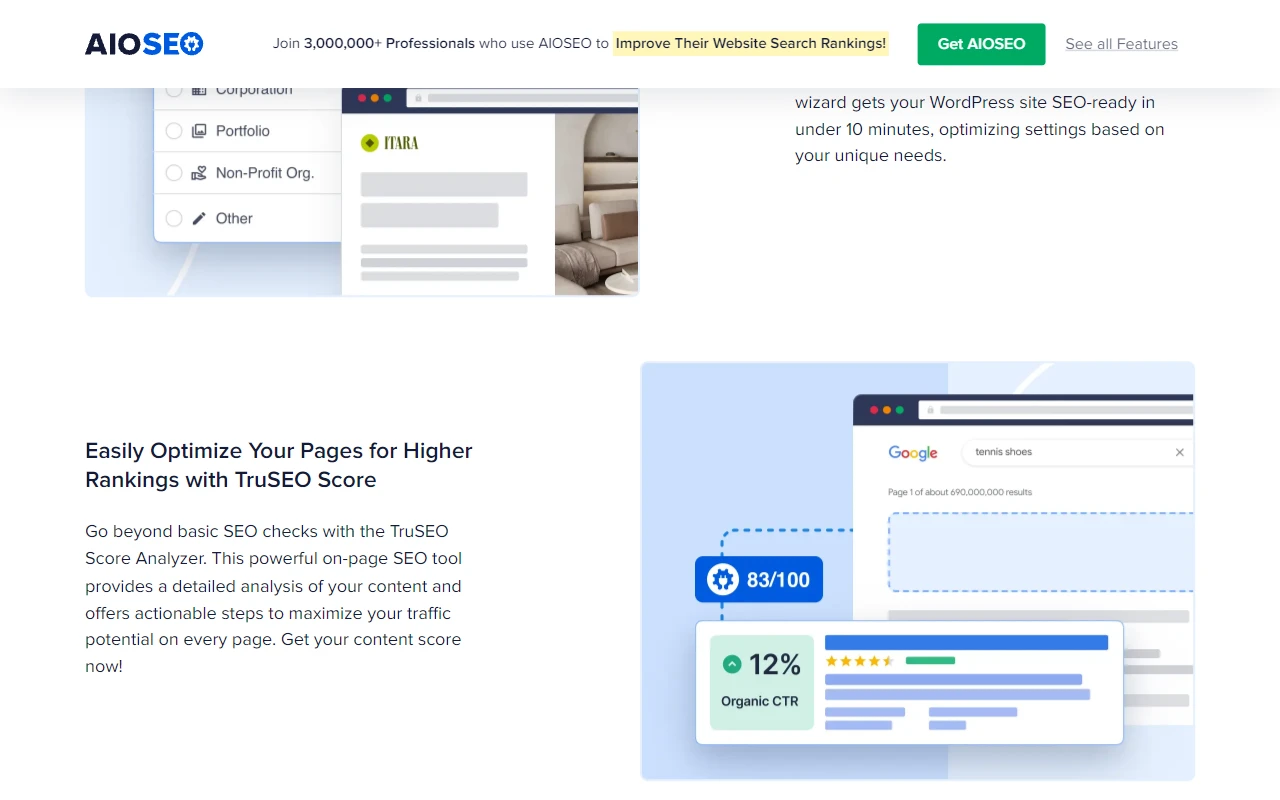
All in One SEO is one of the original WordPress SEO plugins, recently revamped with a modern interface and expanded features to compete with newer options.
Key Features:
- TruSEO on-page analysis
- Smart XML sitemap
- Social media integration
- Advanced schema markup
- SEO health check and monitoring
- Local SEO features (premium)
- WooCommerce SEO integration
Pricing: Free version available with premium plans starting at $49.50/year
4. SEOPress
Best for: Performance-focused websites and developers
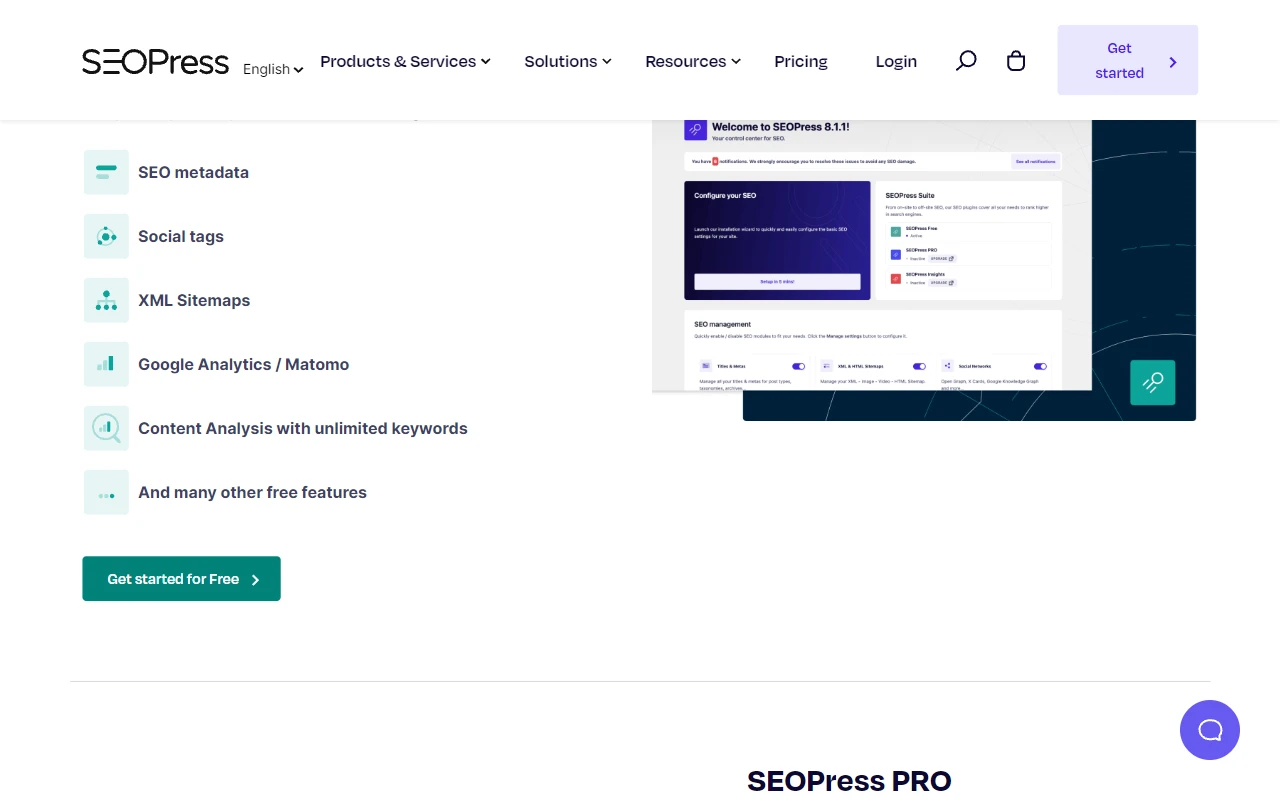
SEOPress is a lightweight yet powerful SEO plugin that emphasizes performance and clean code, making it popular among developers and speed-conscious website owners.
Key Features:
- Content analysis with unlimited keywords
- Google Analytics and Search Console integration
- XML and HTML sitemap
- Advanced structured data types
- White label option (premium)
- WooCommerce integration
- Breadcrumbs optimization
Pricing: Free version available with premium at €39/year (approximately $42/year)
Comparing WordPress SEO Plugins
When choosing an SEO plugin for your WordPress site, consider these factors:
- Features vs. Needs: Match the plugin's capabilities to your specific SEO requirements
- Performance Impact: Some plugins are more lightweight than others
- User Interface: Choose a plugin with an interface that matches your comfort level
- Support and Updates: Active development and good support are crucial
- Budget: Consider what you get in free versions vs. premium features
Installation and Setup Tips
Once you've chosen an SEO plugin, follow these best practices:
- Only install one primary SEO plugin to avoid conflicts
- Configure the basic settings before diving into advanced features
- Set up XML sitemaps and submit them to Google Search Console
- Customize meta title and description templates for different content types
- Enable schema markup appropriate for your content
- Review and implement the plugin's content optimization suggestions
Conclusion
A good SEO plugin is essential for maximizing your WordPress website's search visibility. While Yoast SEO and Rank Math lead the pack in popularity, All in One SEO and SEOPress offer compelling alternatives with unique strengths.
The best choice depends on your specific needs, technical expertise, and budget. Many users start with the free version of their chosen plugin and upgrade to premium as their SEO needs grow more sophisticated.
Remember that no plugin can guarantee top rankings—they're tools to help implement SEO best practices. Combine your plugin with quality content, good user experience, and a solid backlink strategy for the best results.
Audit SEO & Track Rankings On The Go
Get real-time crawl issue alerts, Core Web Vitals diagnostics, and keyword position tracking in your pocket with the free DrillSEO Android app.
