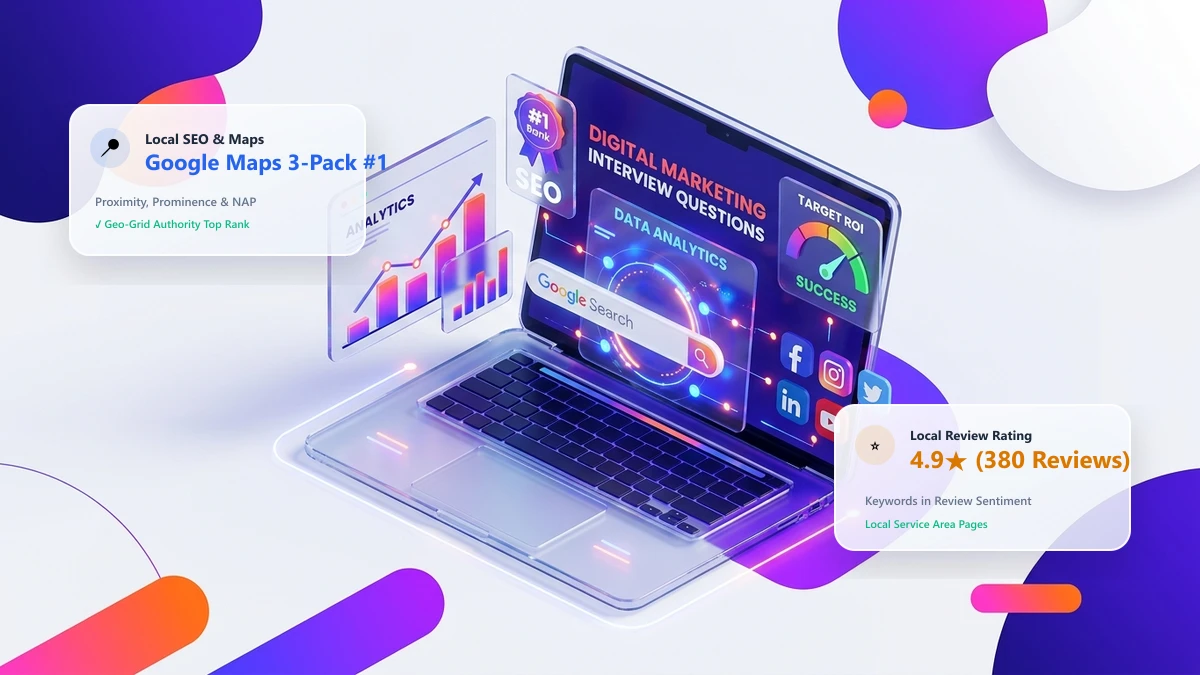
When a customer searches for a local service on their smartphone—whether it is “emergency plumber near me”, “best cosmetic dentist Dallas”, or “commercial HVAC repair”—they almost never scroll down to traditional organic website results. Instead, their eyes and thumbs stop immediately at the Google Maps Local 3-Pack: the trio of highlighted local businesses with star ratings, phone numbers, and map pins that sits prominently at the top of the SERP.
Studies show that the Google Maps 3-Pack captures over 44% of all total clicks on local commercial queries. If your business is not ranking inside those top 3 map pins, you are handing high-intent, ready-to-buy customers straight to your local competitors. In this master 2026 blueprint, you will learn the exact three-pillar algorithm Google uses to rank map listings, how to optimize primary and secondary categories, how to engineer a high-velocity customer review engine, and how to expand your geographic ranking radius across town.
1. The 3 Core Algorithmic Pillars: Relevance, Distance & Prominence
Google officially states that local search rankings are determined by three fundamental factors. Understanding their interplay is key to dominating the map pack:
| Algorithmic Pillar | What It Measures | How to Optimize It |
|---|---|---|
| 1. Relevance | How closely a business profile matches what the user is searching for in their query. | Select the exact primary business category; complete 100% of GBP services; integrate relevant keywords into product catalogs and descriptions. |
| 2. Distance (Proximity) | How far the physical location of the business is from the searcher or the location term specified in the query. | While physical address cannot be faked, building local geo-relevance and service area pages expands the algorithm’s “confidence radius”. |
| 3. Prominence | How well-known, reputable, and authoritative the business is offline and online. | High review volume, fresh 5-star ratings, high-authority local backlinks, consistent citations (NAP), and brand search volume. |
2. Category Architecture: Primary vs. Secondary Category Science
Your Primary Category is the single most powerful ranking factor in Google Maps local SEO. It carries more weight than your business description, website text, or citations combined.
Primary Category Rules:
- Be Hyper-Specific: Never choose a generic category if a specific one exists. (e.g., if you install solar panels, choose “Solar energy equipment supplier” or “Solar energy contractor”, not just “Contractor”).
- Audit Top 3 Competitors: Inspect the primary categories of the current top-ranking listings in your target city. Tools like PlePer or GMB Everywhere reveal your competitors’ exact primary and secondary category assignments.
Secondary Categories Strategy:
You can add up to 9 secondary categories. Only add categories that represent core revenue-generating services you actually provide. Adding irrelevant secondary categories dilutes your primary category authority.
3. Review Velocity, Rating Sentiment & Keyword Ingestion
In 2026, Google’s local ranking algorithms use advanced Natural Language Processing (NLP) to read and evaluate customer review text. Customer reviews are no longer just social proof; they are dynamic ranking signals.
The 3 Review Factors That Lift Map Rankings:
- Review Velocity (Consistency Over Spikes): Receiving 4 to 6 authentic reviews every week is vastly superior to getting 50 reviews in one day and zero for the next three months. Unnatural spikes trigger automated review filter purges.
- Keywords in Review Text (The Secret Weapon): When a customer mentions your primary service and neighborhood name (e.g., “Best emergency drain cleaning service in Downtown Austin!”), Google bolds those words in the search results and boosts your rank for those queries. Coach your team to politely encourage clients to mention the specific service performed in their review.
- Developer Responses with Semantic Keywords: Always respond to every review within 24 hours. Naturally weave in keywords and location identifiers: “Thank you, Sarah! Our team loves providing prompt roof repair services to our neighbors in North Dallas.”
4. On-Page Website Signals & Service Area Pages (SAPs)
Your Google Business Profile does not exist in a vacuum. Google continuously cross-references your GBP landing page URL with your website’s on-page architecture:
The Dedicated City & Service Area Page (SAP) Formula:
If your business serves multiple suburbs or surrounding cities, do not create duplicate “doorway” pages with spun content. Create comprehensive, unique Service Area Pages structured with:
- Local Landmarks & Neighborhood Entities: Reference local highways, shopping centers, municipal parks, and regional terminology that prove real geographic familiarity.
- Embedded Google Map: Embed a customized Google Map iframe displaying your business location and service perimeter.
- Localized Customer Testimonials: Feature quotes and project photos specifically from clients located in that city.
- Exact Matching NAP: Ensure the page footer displays your consistent Name, Address, and Phone number.
5. Technical LocalBusiness JSON-LD Schema Architecture
Implement comprehensive LocalBusiness (or specific subtype like HVACBusiness, LegalService, MedicalClinic) structured data schema on your website:
{
  "@context": "https://schema.org",
  "@type": "PlumbingService",
  "name": "Austin Master Plumbing Co.",
  "image": "https://austinmasterplumbing.com/images/hero.webp",
  "@id": "https://austinmasterplumbing.com/#business",
  "url": "https://austinmasterplumbing.com",
  "telephone": "+1-512-555-0199",
  "priceRange": "$$",
  "address": {
    "@type": "PostalAddress",
    "streetAddress": "1200 Congress Ave Suite 400",
    "addressLocality": "Austin",
    "addressRegion": "TX",
    "postalCode": "78701",
    "addressCountry": "US"
  },
  "geo": {
    "@type": "GeoCoordinates",
    "latitude": 30.2747,
    "longitude": -97.7404
  },
  "openingHoursSpecification": [
    {
      "@type": "OpeningHoursSpecification",
      "dayOfWeek": ["Monday", "Tuesday", "Wednesday", "Thursday", "Friday"],
      "opens": "07:00",
      "closes": "19:00"
    }
  ],
  "areaServed": [
    { "@type": "City", "name": "Austin" },
    { "@type": "City", "name": "Round Rock" }
  ]
}
6. Expanding Your Geo-Grid Ranking Radius (Beyond 5 Miles)
Most local businesses rank #1 directly within 1 mile of their physical building, but drop to position #15 or #20 just 5 miles away. To expand your geo-grid ranking radius outward:
- Build Local Civic Backlinks: Earn backlinks from local Chamber of Commerce directories, regional youth sports sponsorships, local newspaper interviews, and neighborhood community blogs. Google treats regional links as proof of regional prominence.
- Publish Geotagged Project Updates on GBP: Post weekly Google Business Profile updates showcasing completed jobs in specific zip codes (e.g., “New AC installation completed today for a homeowner in West Lake Hills!”).
- Encourage Check-Ins & Geotagged Photos: Upload customer-submitted photos taken on smartphones with GPS metadata intact. Google reads the latitude/longitude coordinates embedded in photo EXIF data.
7. Frequently Asked Questions (FAQs)
Q: How many reviews do I need to rank in the Google Maps 3-Pack?
A: There is no magic number; ranking is relative to your local market competitors. In small towns, 35 to 50 detailed reviews may secure the #1 spot. In major metropolitan markets (New York, Los Angeles, London), top 3 competitors often boast 250+ reviews. Focus on consistent monthly velocity and positive keyword sentiment rather than an arbitrary total.
Q: Does adding keywords to my business name help me rank in Maps?
A: While Google’s algorithm technically weights words in the title heavily, adding unauthorized keywords not present on your legal government registration violates Google guidelines and is the #1 cause of immediate profile suspensions in 2026. Only include keywords if they are part of your registered legal business name or legal DBA certificate.
Q: What is a Geo-Grid rank tracker and why is it essential?
A: Standard desktop rank trackers only show your rank from one single static IP address. A Geo-Grid rank tracker (like Local Falcon or BrightLocal) scans your rank from a grid of GPS coordinates across town (e.g., a 7x7 grid spanning a 10-mile radius), visually highlighting exactly which neighborhoods you dominate and where your ranking drops off.