Website speed is a critical factor for user experience, SEO rankings, and conversion rates. A slow WordPress site can drive visitors away and hurt your business. Fortunately, there are numerous free plugins available that can significantly improve your site's performance without costing a penny. In this comprehensive guide, we'll explore the top 15 free WordPress plugins to speed up your website in 2026.
Why Website Speed Matters
Before diving into the plugins, let's understand why website speed is so crucial:
- User Experience: 53% of mobile users abandon sites that take longer than 3 seconds to load
- SEO Rankings: Google uses page speed as a ranking factor for both desktop and mobile searches
- Conversion Rates: A 1-second delay in page response can result in a 7% reduction in conversions
- Bounce Rates: Slow sites experience significantly higher bounce rates
Top Free WordPress Speed Optimization Plugins
1. WP Rocket Lite (Formerly WP Rocket)
Best for: All-in-one speed optimization with minimal configuration
WP Rocket has long been a premium plugin, but they've recently introduced a free "Lite" version that brings many of their powerful optimization features to everyone.

Key Features:
- Page caching for faster load times
- Browser caching implementation
- GZIP compression
- Basic CSS and JavaScript optimization
- Lazy loading for images
- Database optimization
Limitations: Advanced features like file optimization, CDN integration, and Google Fonts optimization require the premium version
2. W3 Total Cache
Best for: Advanced users who want granular control over caching
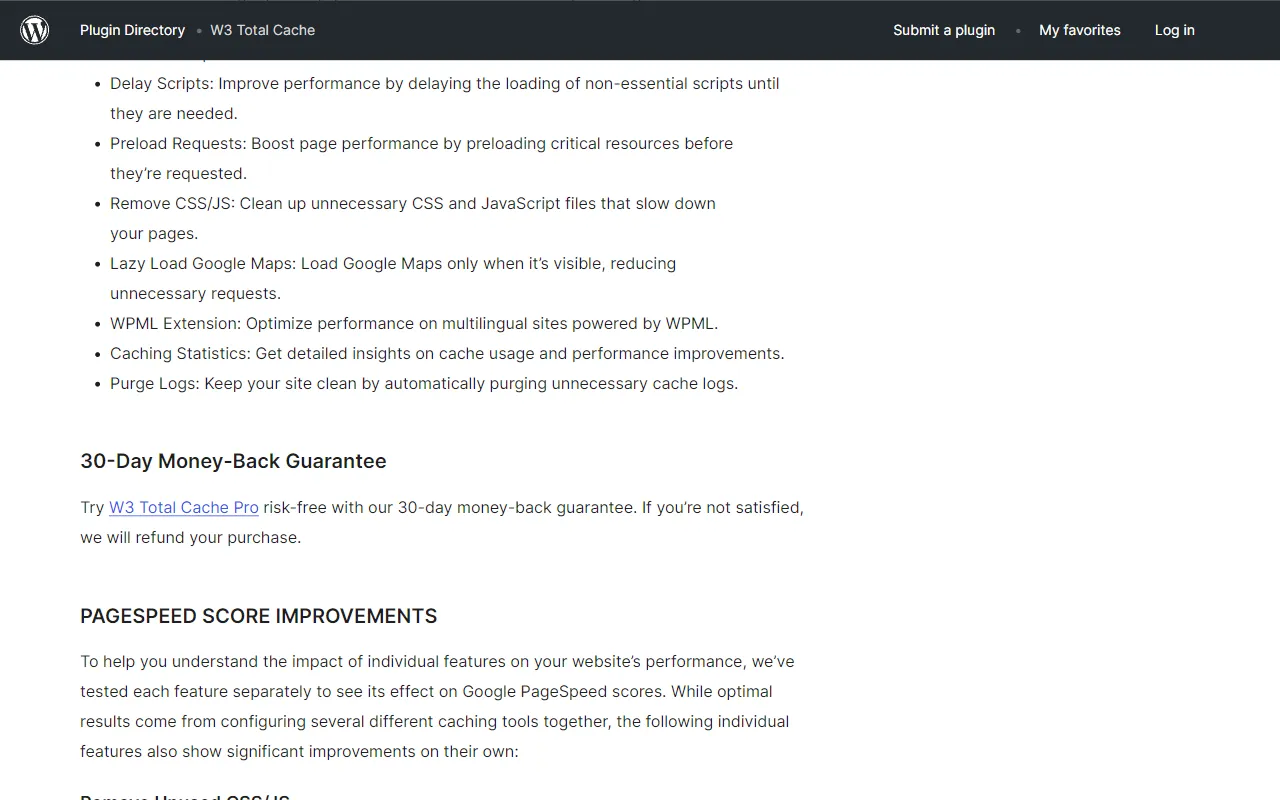
W3 Total Cache is one of the most comprehensive free caching plugins available, offering a wide range of optimization features for experienced WordPress users.
Key Features:
- Page, object, database, and browser caching
- Minification of HTML, CSS, and JavaScript
- CDN integration
- Lazy loading of images
- Database caching
- Mobile device support
Limitations: Complex configuration that might overwhelm beginners
3. LiteSpeed Cache
Best for: Websites hosted on LiteSpeed servers
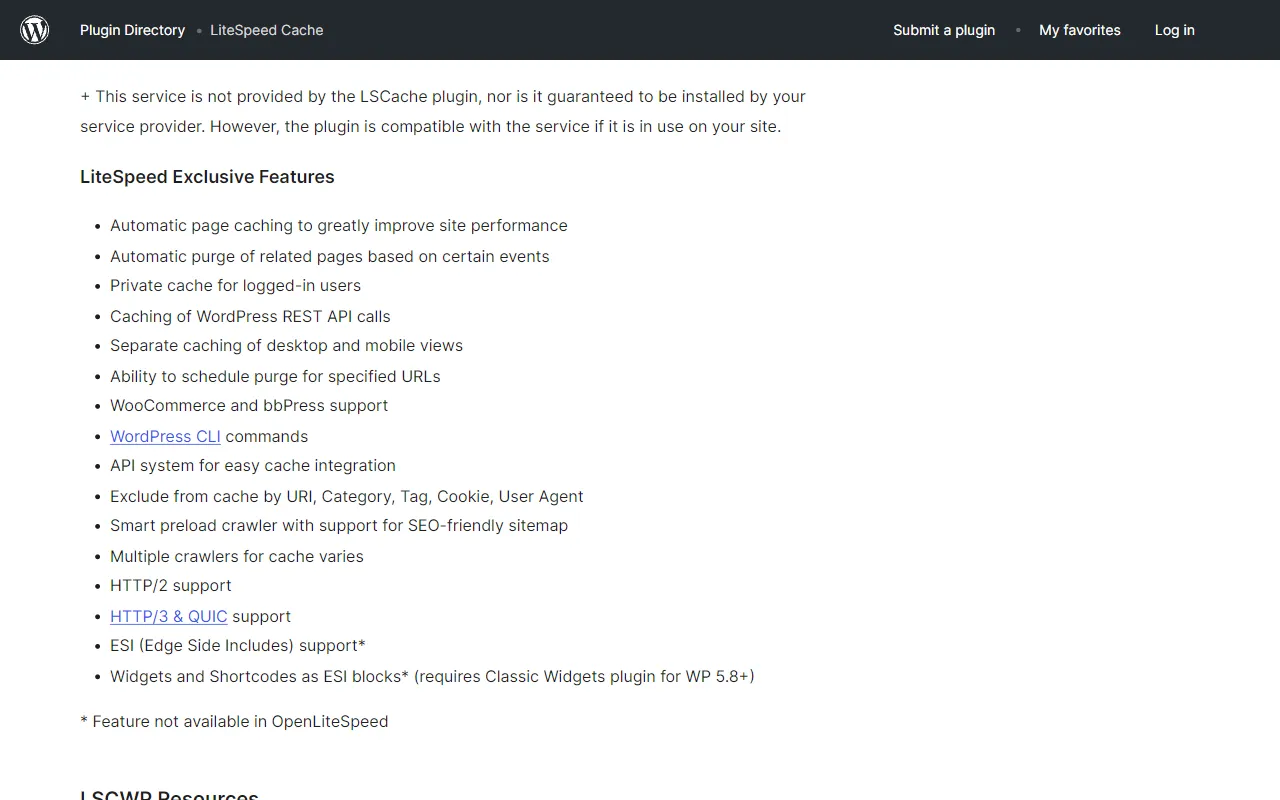
LiteSpeed Cache is an all-in-one site acceleration plugin that delivers exceptional performance, especially on LiteSpeed web servers.
Key Features:
- Server-level caching
- Image optimization and WebP conversion
- CSS/JS minification and combination
- Database optimization and cleanup
- Lazy loading for images and iframes
- CDN support
- Critical CSS generation
Limitations: Works best on LiteSpeed servers, though still effective on other server types
4. WP Super Cache
Best for: Beginners looking for simplicity
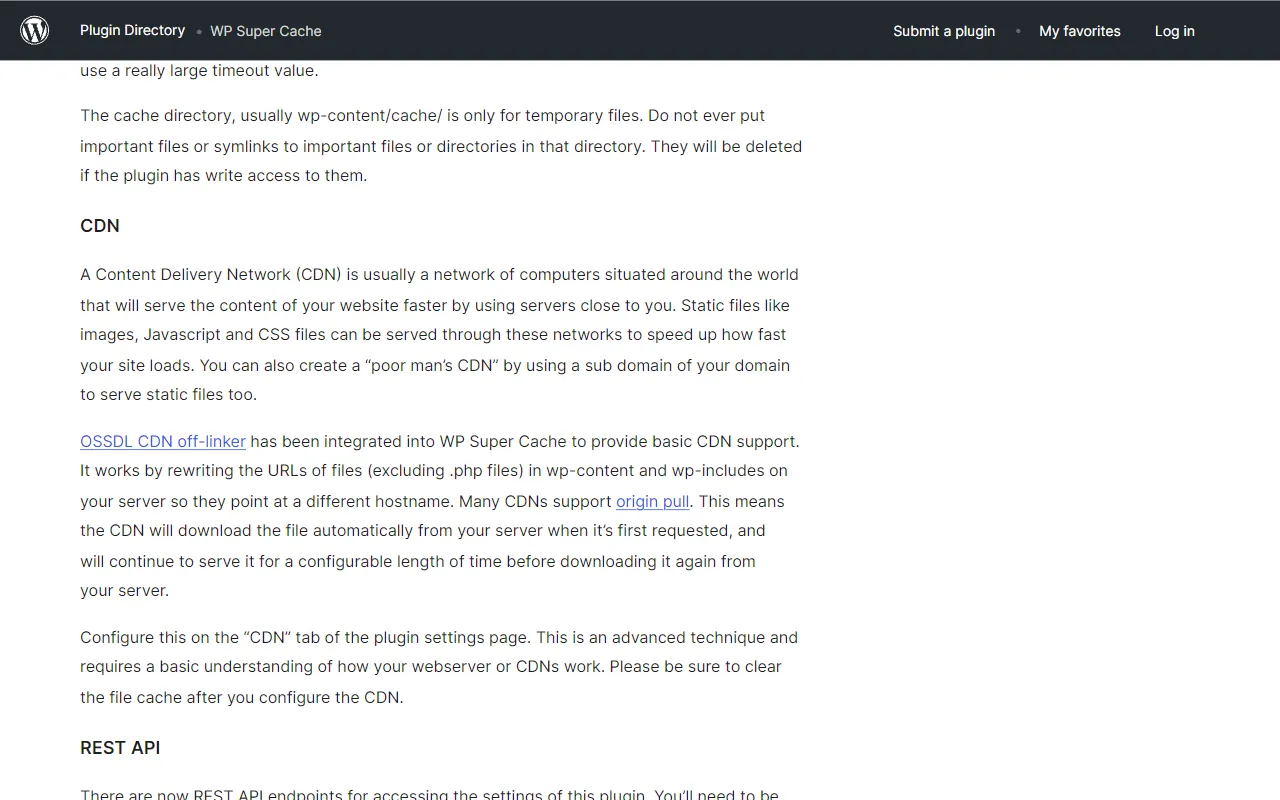
Developed by Automattic (the company behind WordPress.com), WP Super Cache is a straightforward caching plugin that's perfect for beginners.
Key Features:
- Static HTML file caching
- Mod_rewrite, PHP, or legacy caching methods
- CDN support
- Cache preloading
- Scheduled cache clearing
- Mobile device support
Limitations: Fewer advanced optimization features compared to other plugins
5. Autoptimize
Best for: CSS, JavaScript, and HTML optimization
Autoptimize focuses specifically on optimizing your site's code rather than providing full caching solutions, making it a perfect companion to a dedicated caching plugin.
Key Features:
- JavaScript, CSS, and HTML minification
- Aggregation of CSS and JavaScript files
- Inline critical CSS
- Removal of unnecessary code
- Google Fonts optimization
- Async JavaScript loading
Limitations: No caching functionality (best used alongside a caching plugin)
6. Smush Image Compression
Best for: Image optimization without quality loss
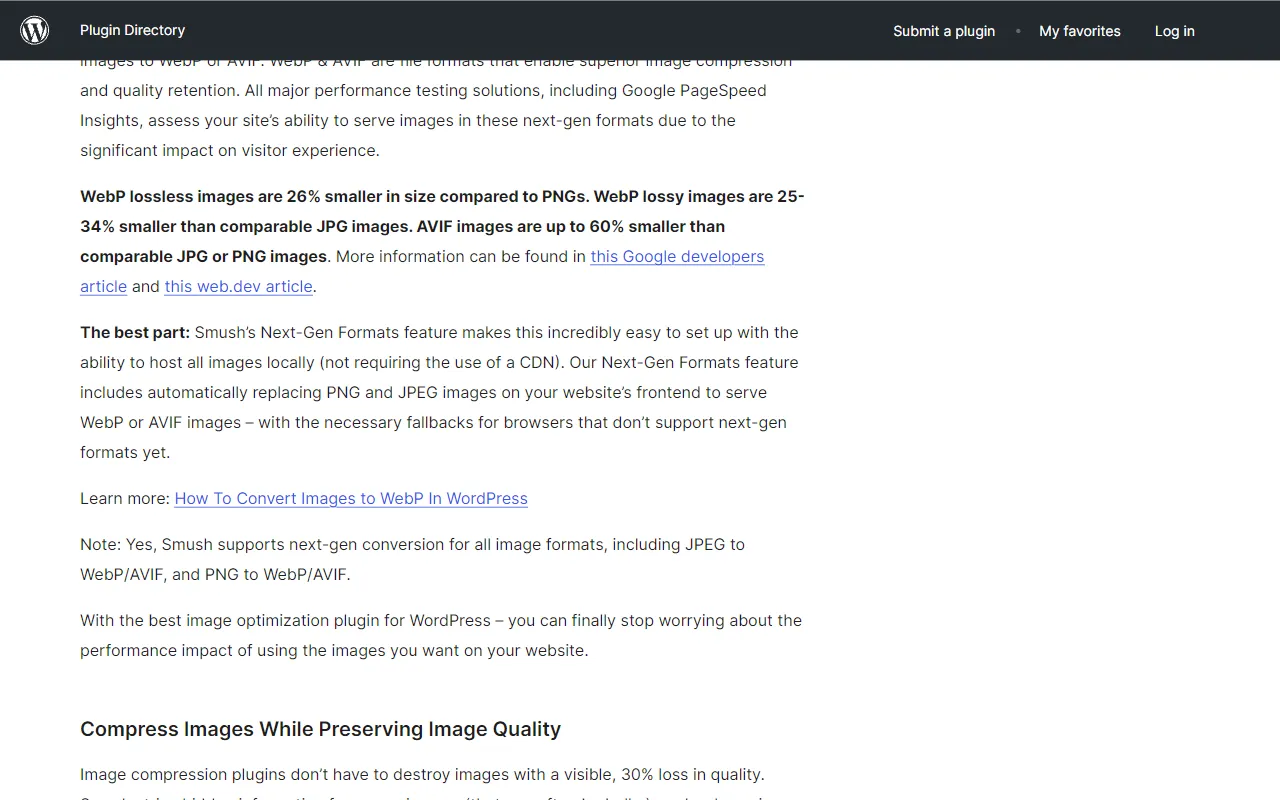
Images often account for the majority of a page's size. Smush automatically compresses and optimizes your images to speed up your site without sacrificing quality.
Key Features:
- Lossless image compression
- Bulk optimization of existing images
- Automatic optimization of new uploads
- Lazy loading for images
- WebP conversion
- Image resizing
- EXIF data removal
Limitations: Free version has a 5MB file size limit and no WebP conversion
7. Lazy Load by WP Rocket
Best for: Implementing lazy loading without a full optimization plugin
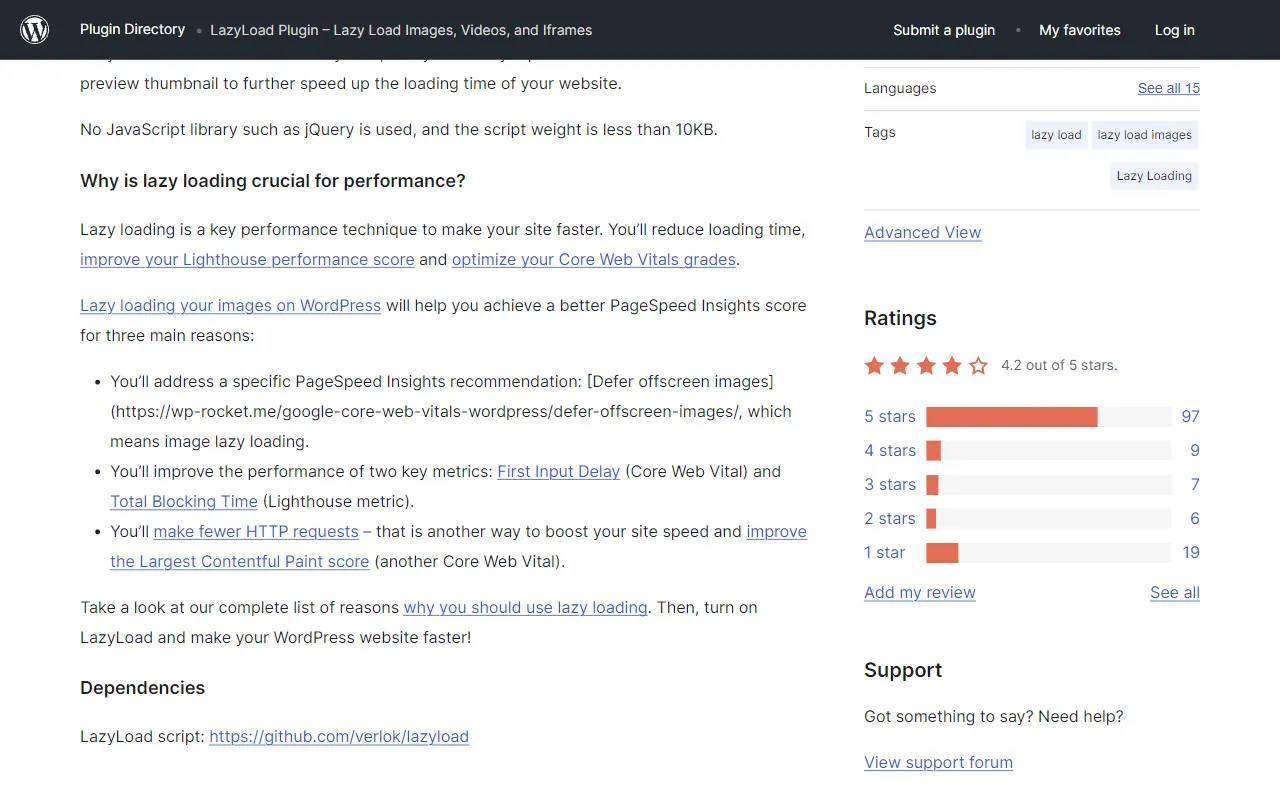
Created by the team behind WP Rocket, this free plugin focuses exclusively on lazy loading images and iframes to improve initial page load times.
Key Features:
- Lazy loading for images
- Lazy loading for iframes and videos
- Native lazy loading support
- Custom threshold settings
- Placeholder image options
Limitations: Focuses only on lazy loading, not other optimization techniques
Download Lazy Load by WP Rocket
8. Asset CleanUp: Page Speed Booster
Best for: Removing unnecessary CSS and JavaScript files
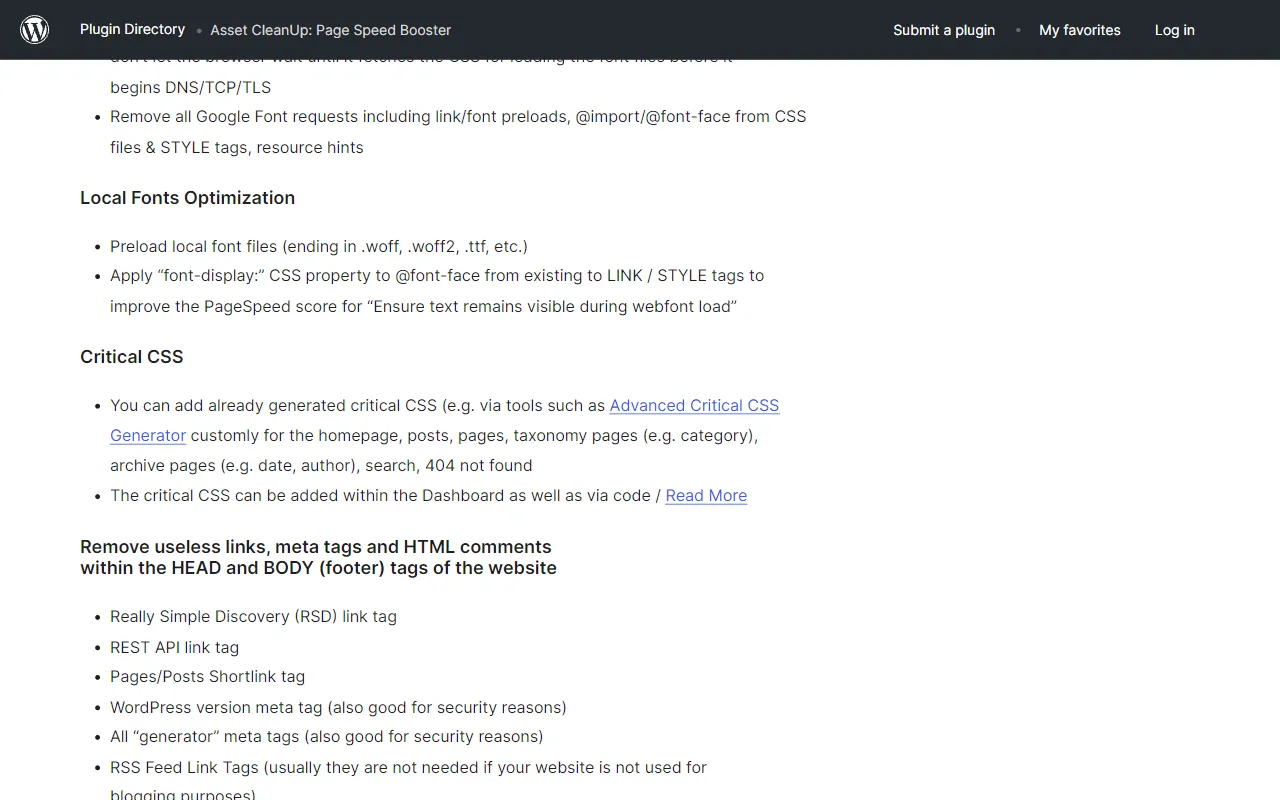
Asset CleanUp helps you identify and remove unnecessary CSS and JavaScript files that load on your website, reducing HTTP requests and page size.
Key Features:
- Selective asset loading (load CSS/JS only on pages where needed)
- CSS/JS minification and combining
- HTML code cleanup
- Google Fonts optimization
- Preloading of CSS/JS files
- Removal of query strings from static resources
Limitations: Some advanced features require the Pro version
9. Perfmatters Lite
Best for: Disabling unnecessary WordPress features
Perfmatters Lite is a lightweight performance plugin that focuses on disabling unnecessary WordPress features and scripts that slow down your website.
Key Features:
- Disable WordPress emojis
- Disable embeds
- Remove query strings from static resources
- Disable XML-RPC
- Remove jQuery Migrate
- Disable self-pingbacks
- Limit post revisions
Limitations: Advanced features like script management and lazy loading require the premium version
10. WP-Optimize
Best for: Database optimization and cleanup
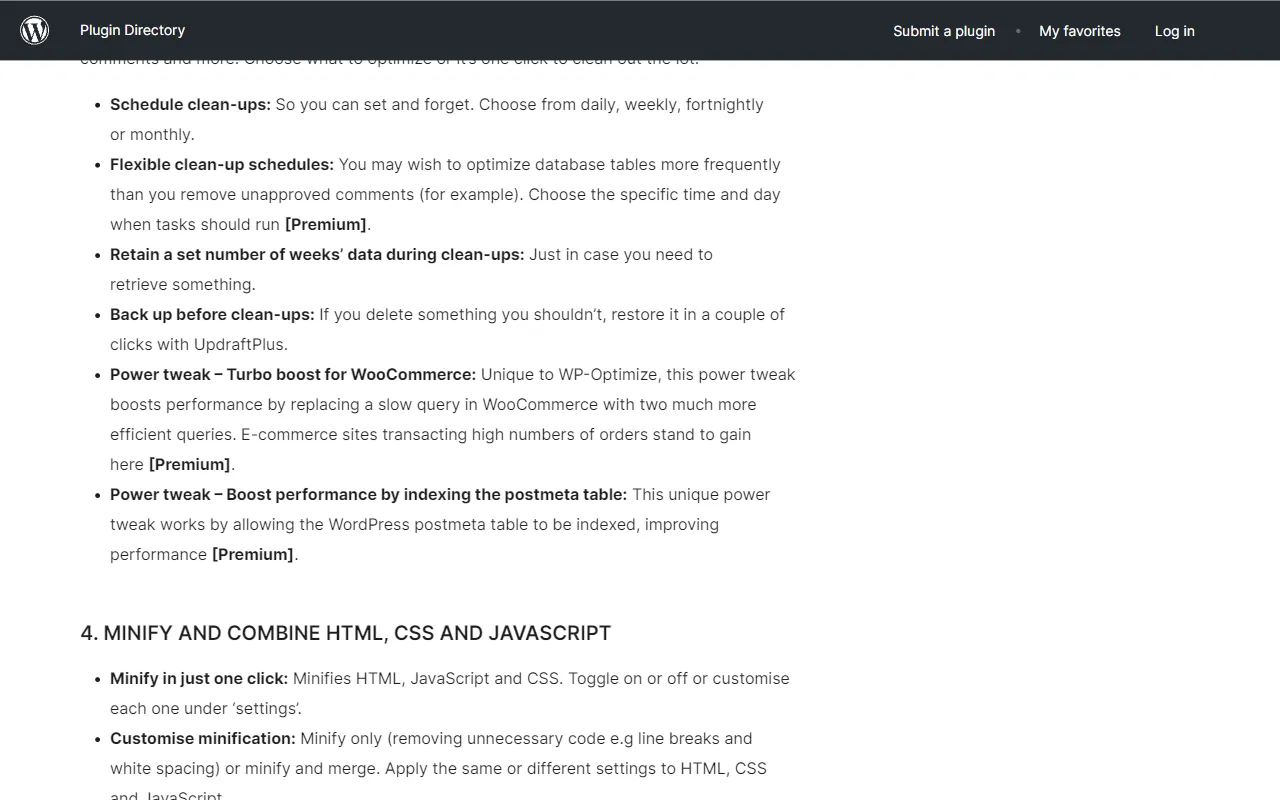
WP-Optimize helps clean and optimize your WordPress database, removing unnecessary data that can slow down your site.
Key Features:
- Database cleanup (post revisions, spam comments, etc.)
- Database optimization
- Scheduled cleanups
- Image compression
- Caching (premium)
- Gzip compression
Limitations: Caching features require the premium version
11. Fast Velocity Minify
Best for: Advanced CSS and JavaScript optimization
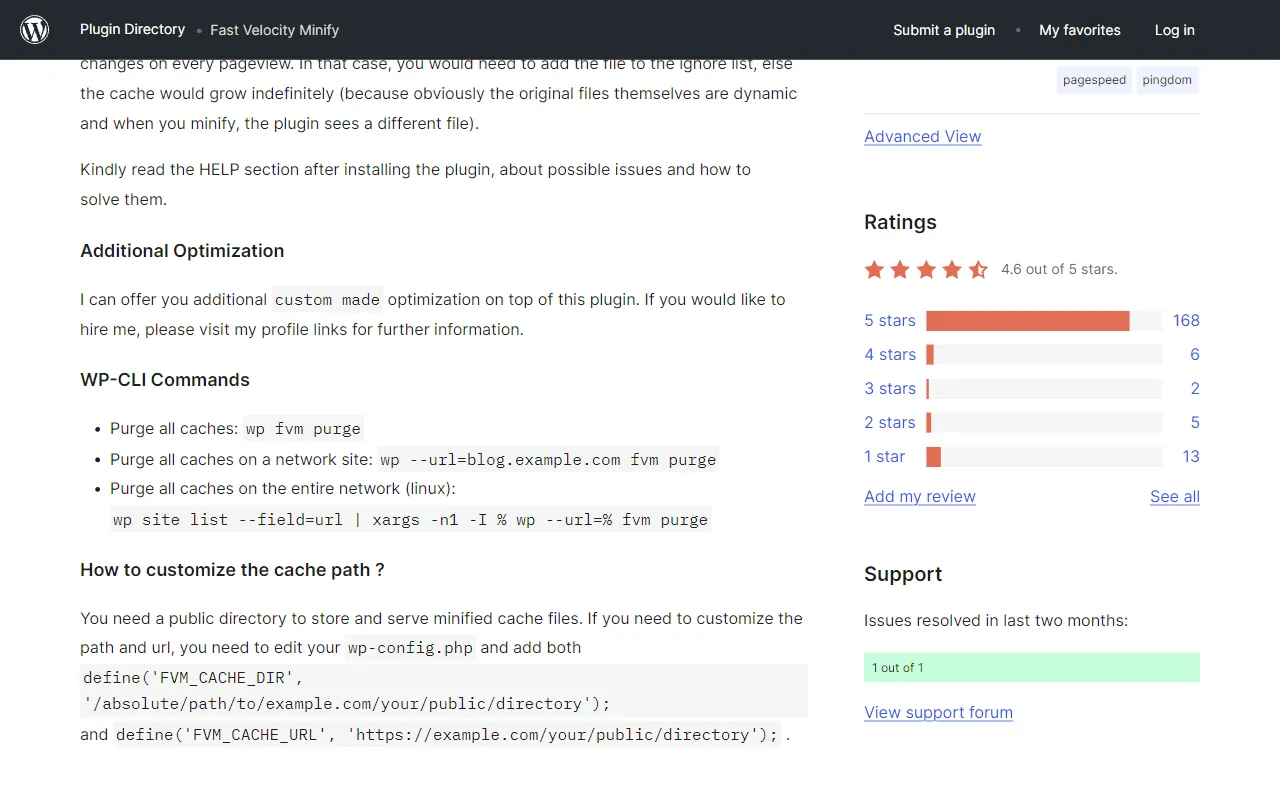
Fast Velocity Minify focuses on improving page speed by minifying and combining CSS and JavaScript files to reduce HTTP requests.
Key Features:
- CSS and JavaScript minification
- File combination to reduce HTTP requests
- Inline critical CSS
- Defer JavaScript loading
- Google Fonts optimization
- HTML minification
Limitations: Can cause conflicts with some themes and plugins
12. WebP Express
Best for: Converting images to WebP format
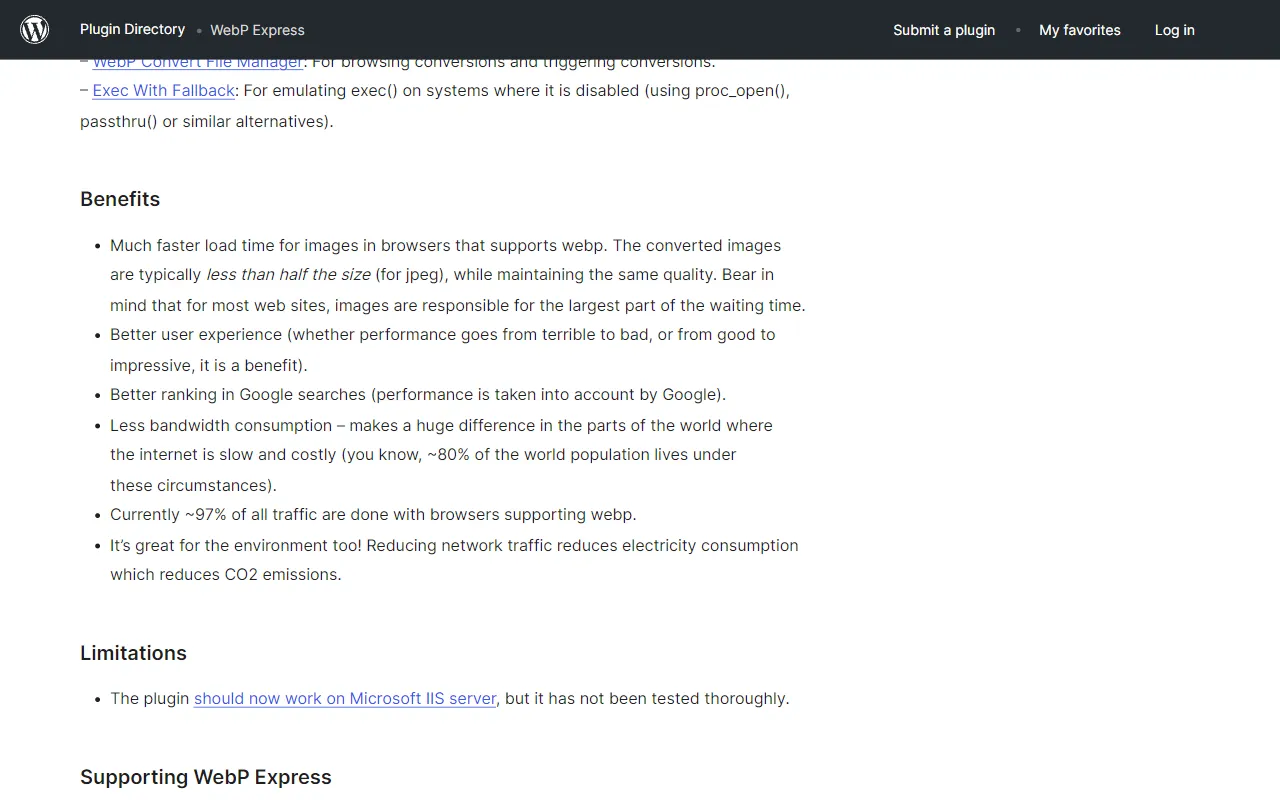
WebP Express automatically converts your images to the WebP format, which provides superior compression and quality compared to traditional formats like JPEG and PNG.
Key Features:
- Automatic WebP conversion
- Multiple conversion methods
- Bulk conversion of existing images
- Varied quality settings
- Fallback for browsers that don't support WebP
Limitations: Requires server support for some conversion methods
13. Heartbeat Control
Best for: Reducing server load from WordPress Heartbeat API
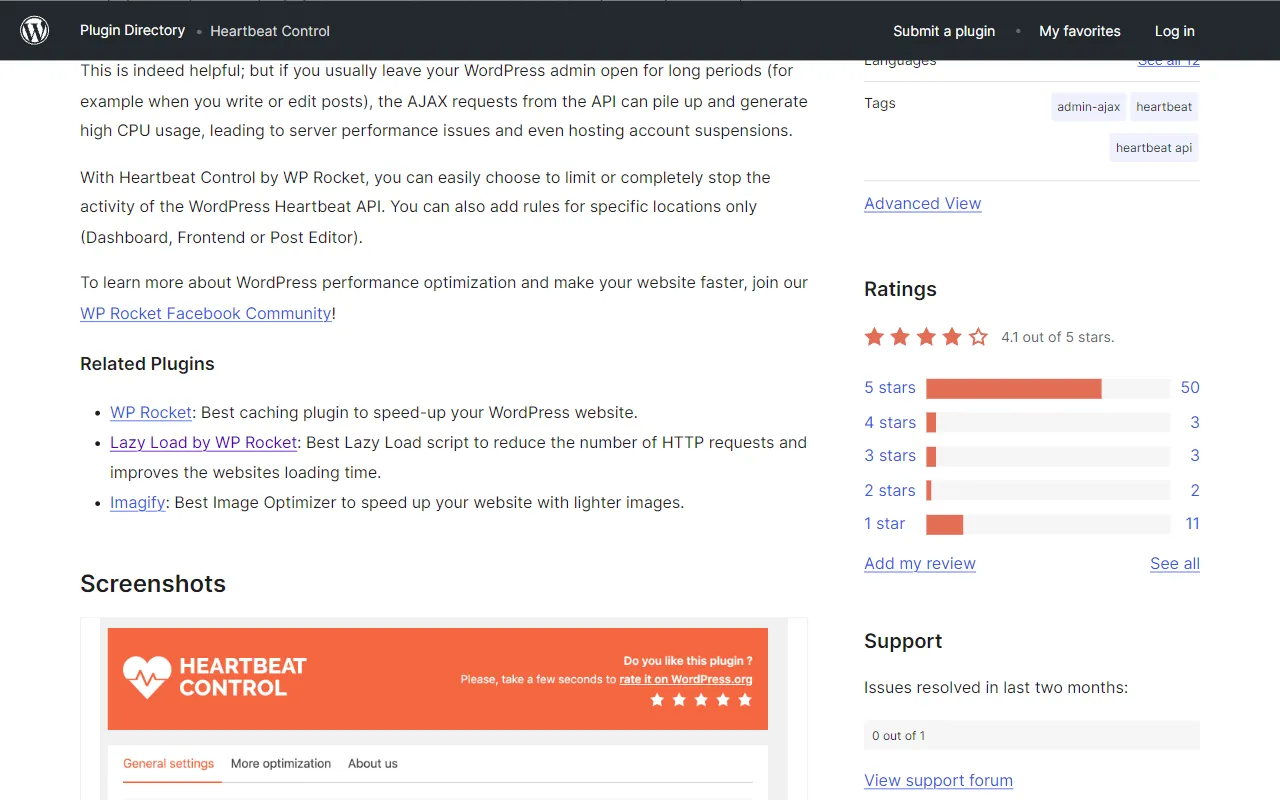
The WordPress Heartbeat API can cause high server load and slow down your admin dashboard. Heartbeat Control lets you manage and limit this functionality.
Key Features:
- Control Heartbeat API in different areas (admin, post editor, frontend)
- Modify Heartbeat frequency
- Completely disable Heartbeat when not needed
- Location-specific settings
Limitations: Disabling Heartbeat can affect some real-time features in WordPress
14. Breeze
Best for: Simple caching with Cloudways hosting
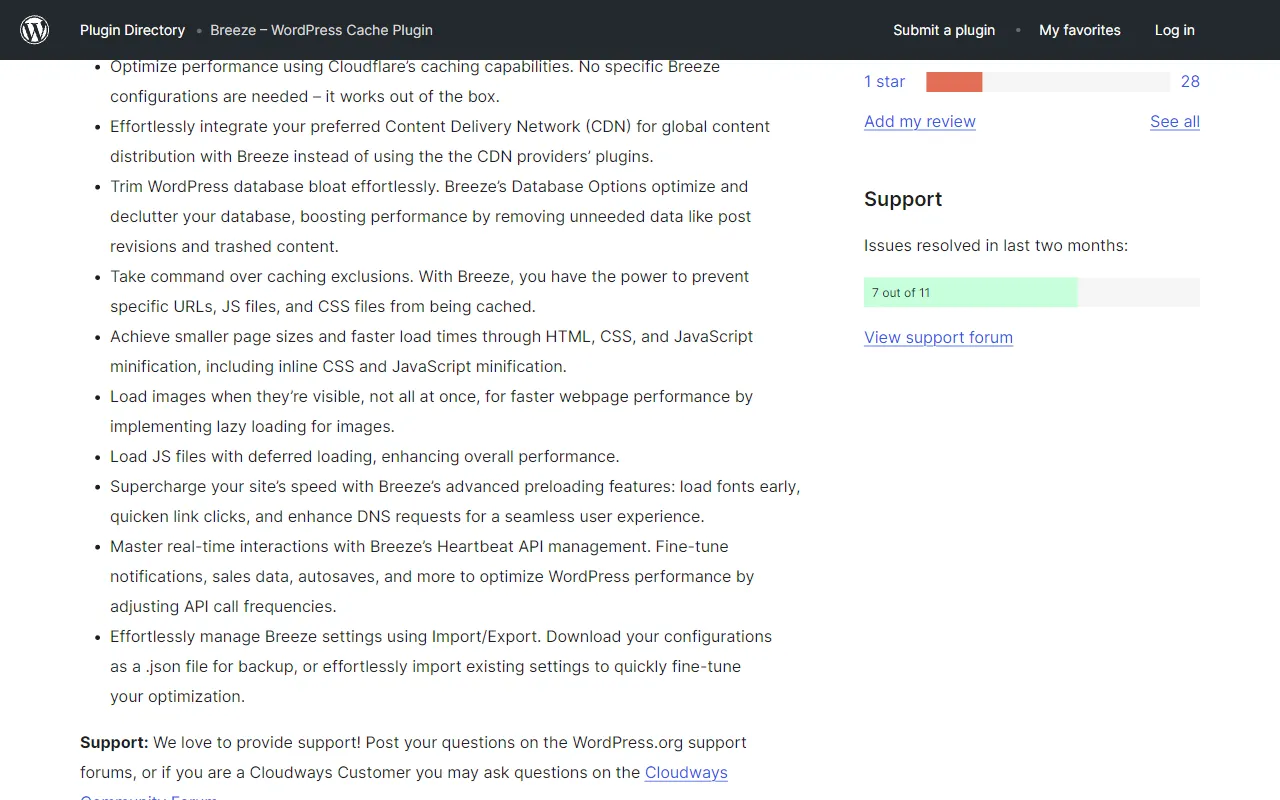
Developed by Cloudways, Breeze is a lightweight caching plugin that works well on any hosting but is optimized for Cloudways hosting platform.
Key Features:
- Simple configuration
- Browser caching
- GZIP compression
- Database optimization
- CSS, JavaScript, and HTML minification
- Group CSS and JavaScript files
- Varnish cache support
Limitations: Fewer advanced features compared to some other caching plugins
15. Flying Pages
Best for: Preloading pages for faster navigation
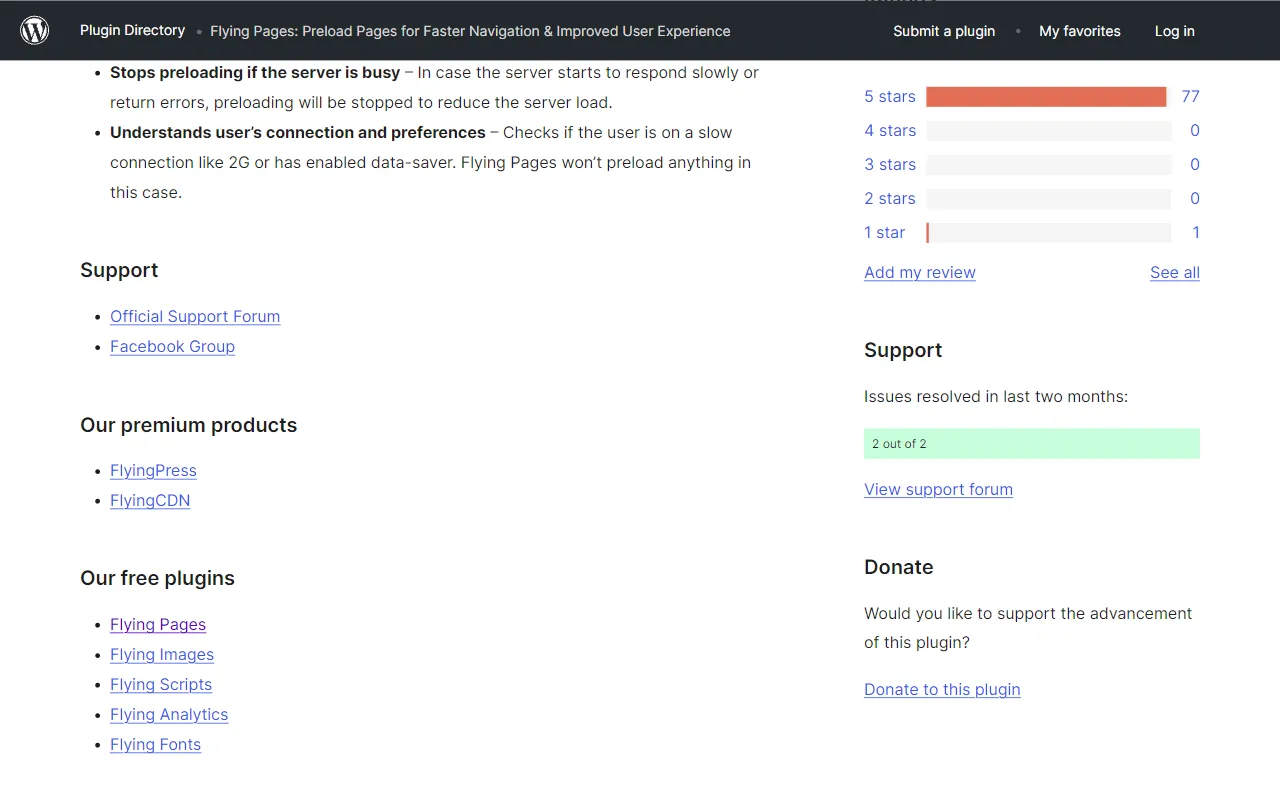
Flying Pages uses just-in-time preloading to make page navigation feel instant to users, preloading pages before they click on links.
Key Features:
- Automatic preloading of pages when users hover over links
- Preloading during browser idle time
- Configurable delay time before preloading
- Ignore certain links or patterns
- Lightweight with minimal impact on server load
Limitations: Can increase server load if not configured properly
How to Choose the Right Speed Optimization Plugins
With so many options available, choosing the right plugins for your WordPress site can be challenging. Here are some factors to consider:
- Hosting Environment: Some plugins work better with specific hosting providers or server configurations
- Site Complexity: More complex sites with many plugins may benefit from different optimization strategies than simple sites
- Technical Expertise: Some plugins require more technical knowledge to configure properly
- Plugin Compatibility: Not all speed plugins work well together; test combinations carefully
- Specific Needs: Focus on plugins that address your site's specific performance bottlenecks
Best Practices for WordPress Speed Optimization
Beyond installing plugins, follow these best practices to maximize your WordPress site's performance:
- Use a Quality Hosting Provider: No plugin can fully compensate for slow hosting
- Keep WordPress Core, Themes, and Plugins Updated: Updates often include performance improvements
- Minimize Plugin Usage: Only install plugins you truly need
- Optimize Images Before Upload: Resize and compress images before adding them to your media library
- Use a Lightweight Theme: Bloated themes can significantly slow down your site
- Implement a Content Delivery Network (CDN): Distribute your static content across global servers
- Regular Database Maintenance: Clean up your database periodically
Conclusion
Improving your WordPress website's speed doesn't have to be expensive. The free plugins listed above offer powerful optimization features that can significantly enhance your site's performance, user experience, and search engine rankings.
Remember that no single plugin is a magic bullet for speed optimization. Often, the best approach is to use a combination of plugins that address different aspects of performance, along with following WordPress best practices and using quality hosting.
Start by identifying your site's specific performance issues using tools like Google PageSpeed Insights or GTmetrix, then select the plugins that address those particular challenges. With the right combination of tools and techniques, you can achieve impressive speed improvements without spending a penny on premium plugins.