Top Free Broken Link Checkers
Broken links can significantly impact your website's user experience and search engine rankings. In this comprehensive guide, we'll explore the best free broken links checker tools available online in 2026 to help you identify and fix broken links on your website.
Why Checking for Broken Links is Essential
Before diving into the tools, let's understand why checking for broken links is crucial for your website:
- Improved User Experience: Broken links frustrate visitors and can lead to high bounce rates
- Better SEO Performance: Search engines consider broken links as a sign of poor website maintenance
- Preserved Link Equity: Fixing broken internal links helps maintain your site's link equity distribution
- Enhanced Crawlability: Eliminating broken links helps search engines crawl your site more efficiently
- Maintained Reputation: A website without broken links appears more professional and trustworthy
Top Free Broken Links Checker Tools in 2026
1. Google Search Console
Best for: Website owners already using Google tools
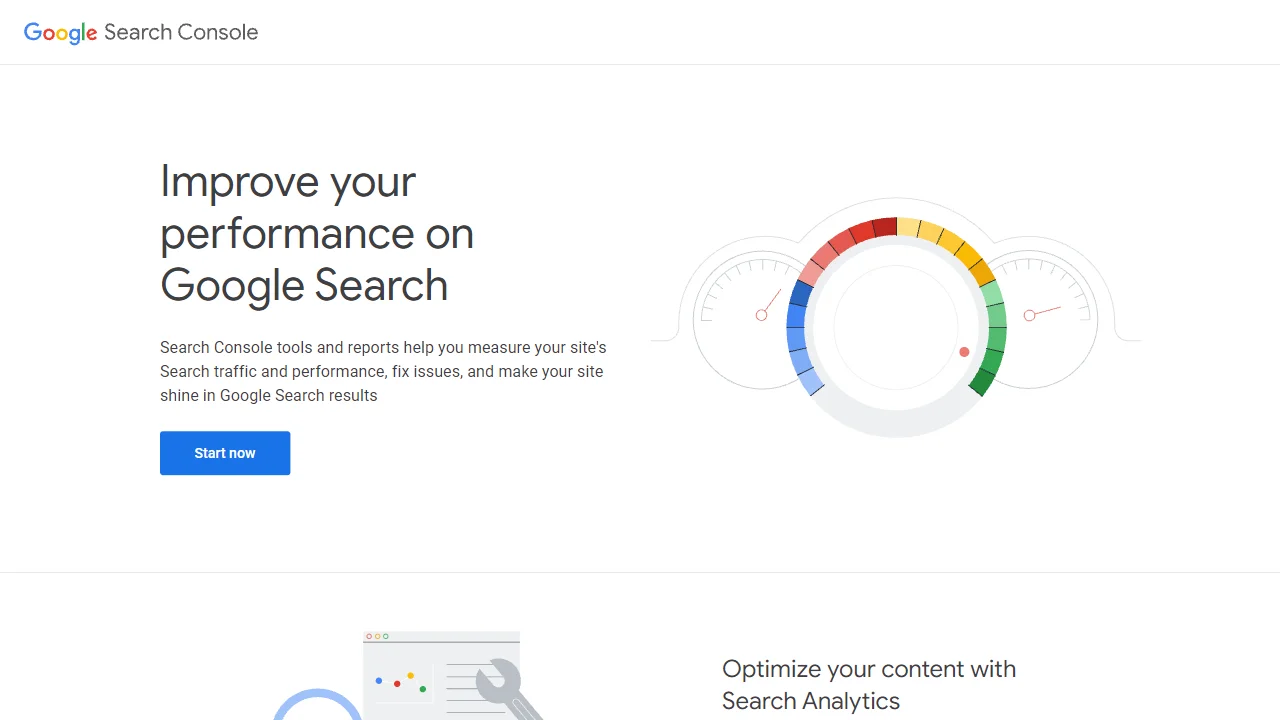
Google Search Console provides a comprehensive report of crawl errors, including broken links on your website. It's completely free and offers direct insights from Google itself.
Key Features:
- Direct integration with Google's crawling system
- Detailed error reports with specific URLs
- Historical data to track improvements over time
- Additional SEO insights beyond broken links
- Mobile and desktop specific crawl error reports
Limitations: Only shows links Google has attempted to crawl, not a comprehensive scan
2. Broken Link Checker
Best for: Quick scans of smaller websites
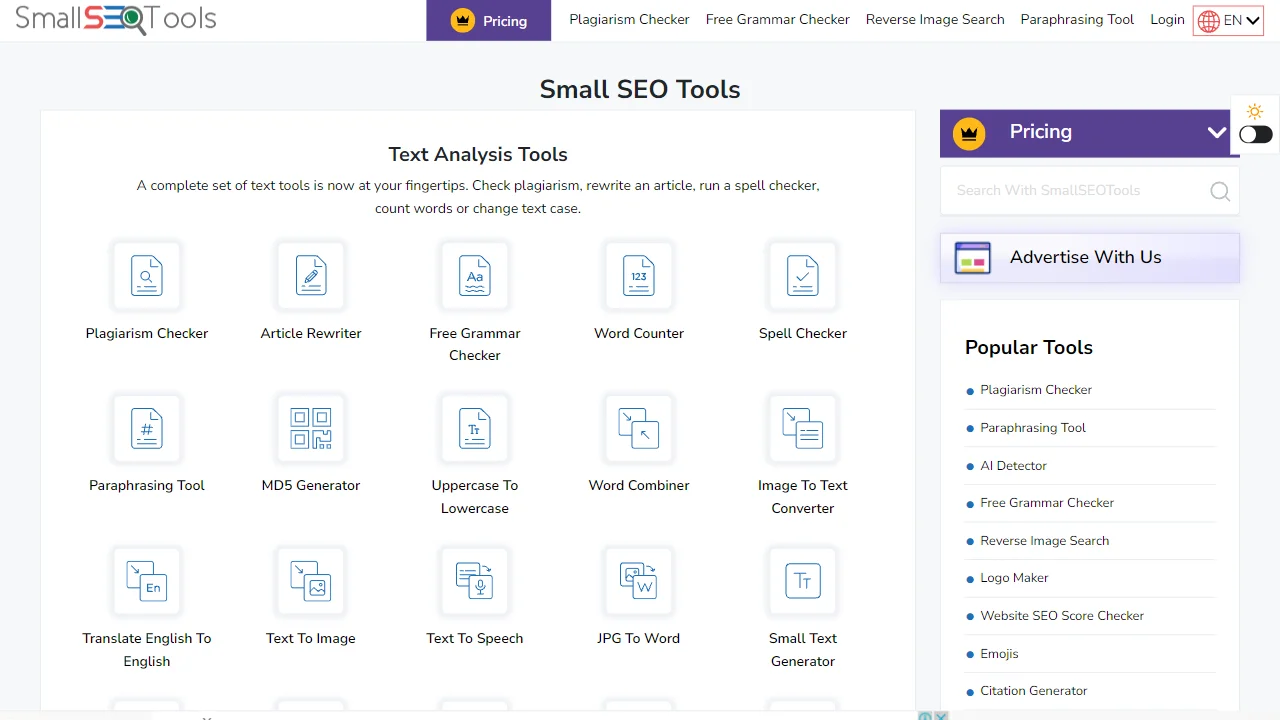
Broken Link Checker is a free online tool that allows you to scan your website for broken links without installing any software.
Key Features:
- No registration required
- Simple, user-friendly interface
- Checks both internal and external links
- Provides HTTP status codes for each broken link
- Option to check specific pages or entire websites
Limitations: Limited to 3,000 pages per scan in the free version
3. Screaming Frog SEO Spider (Free Version)
Best for: Technical SEO professionals
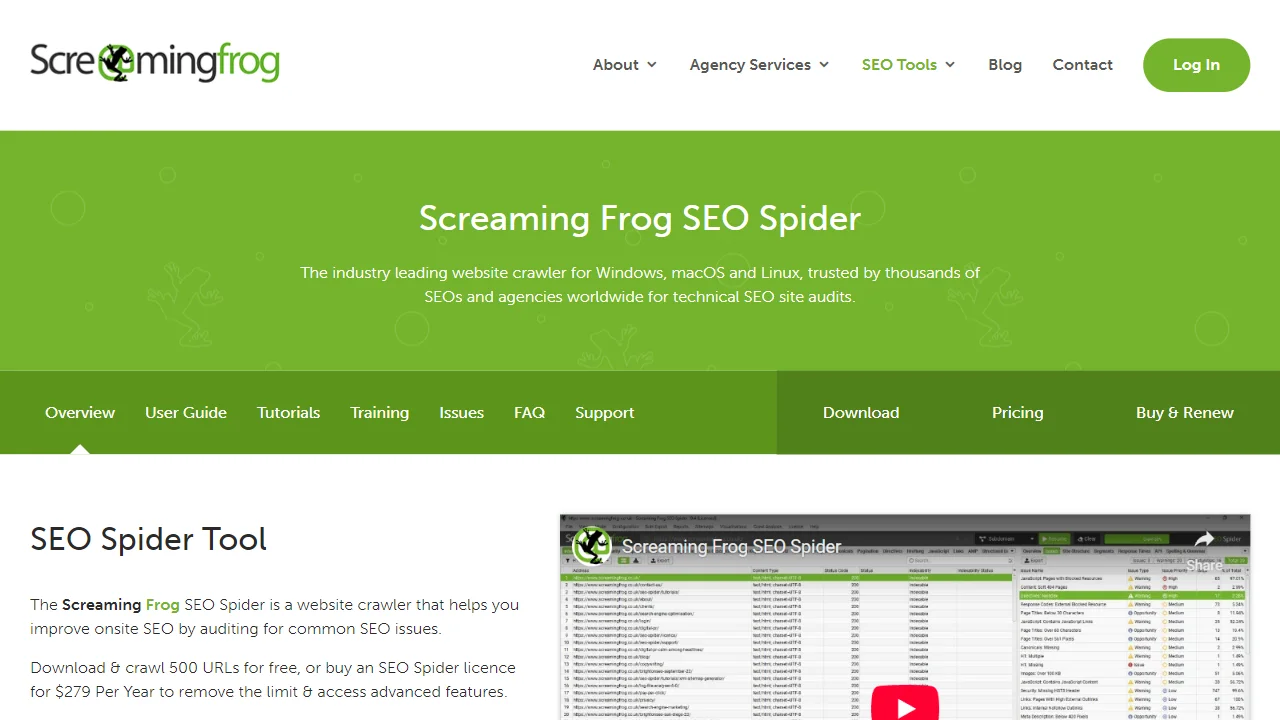
Screaming Frog offers a free version of their powerful SEO Spider tool that can crawl up to 500 URLs and identify broken links along with many other SEO issues.
Key Features:
- Desktop application with powerful crawling capabilities
- Comprehensive filtering options
- Detailed HTTP status code reports
- Export options for further analysis
- Additional SEO auditing features
Limitations: Limited to 500 URLs in the free version
Download Screaming Frog SEO Spider
4. Dead Link Checker
Best for: Bloggers and small business websites
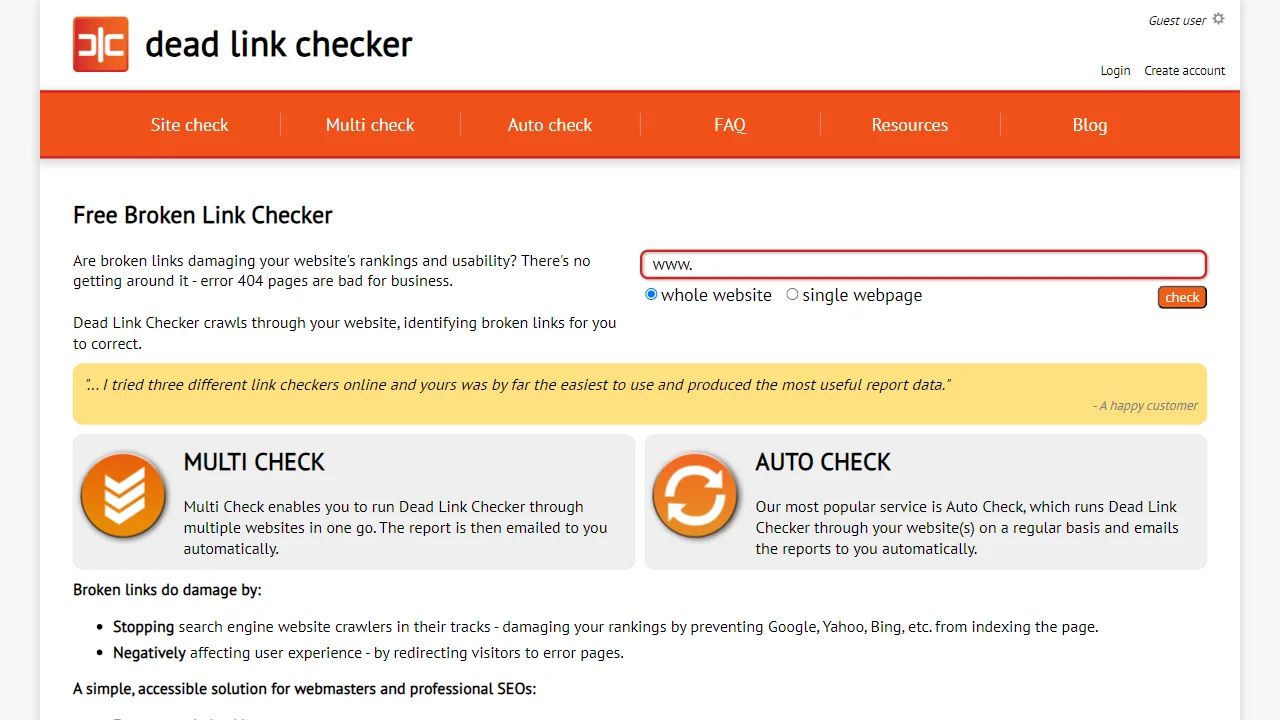
Dead Link Checker is a straightforward online tool that scans your website for broken links with minimal setup required.
Key Features:
- Single page or entire website checking options
- No registration required
- Email reports available
- Simple, clean interface
- Regular expression filtering
Limitations: Slower scanning speed compared to premium tools
5. W3C Link Checker
Best for: Web developers concerned with standards compliance
The W3C Link Checker is a free tool from the World Wide Web Consortium that checks links for validity and accessibility issues.
Key Features:
- Checks for compliance with web standards
- Identifies redirects and other HTTP status codes
- Command-line version available for developers
- Detailed technical reports
- Developed by the web standards organization
Limitations: Technical interface may be challenging for beginners
6. Check My Links Chrome Extension
Best for: Chrome users who need quick, on-demand checks
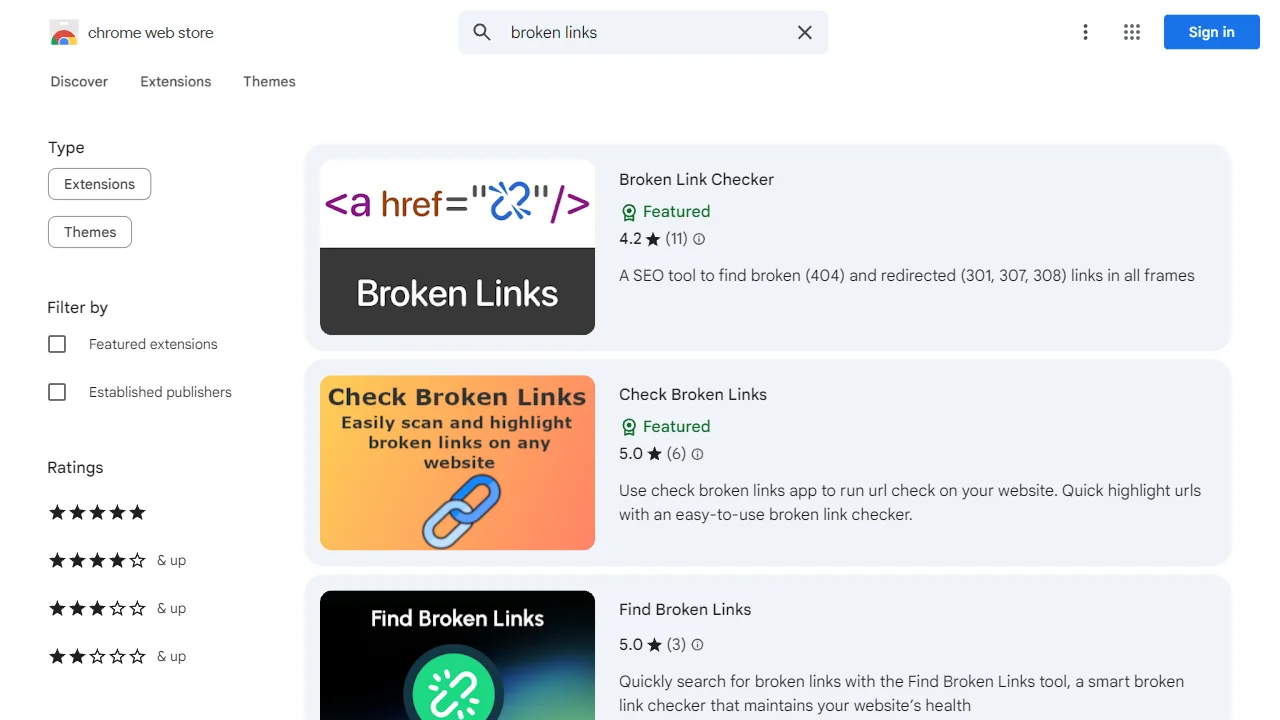
Check My Links is a free Chrome extension that allows you to check for broken links on any webpage with a single click.
Key Features:
- One-click operation within your browser
- Visual highlighting of broken links
- Works on any webpage you're currently viewing
- No website login or setup required
- Copy all broken links to clipboard feature
Limitations: Only checks the current page, not the entire website
Install Check My Links Chrome Extension
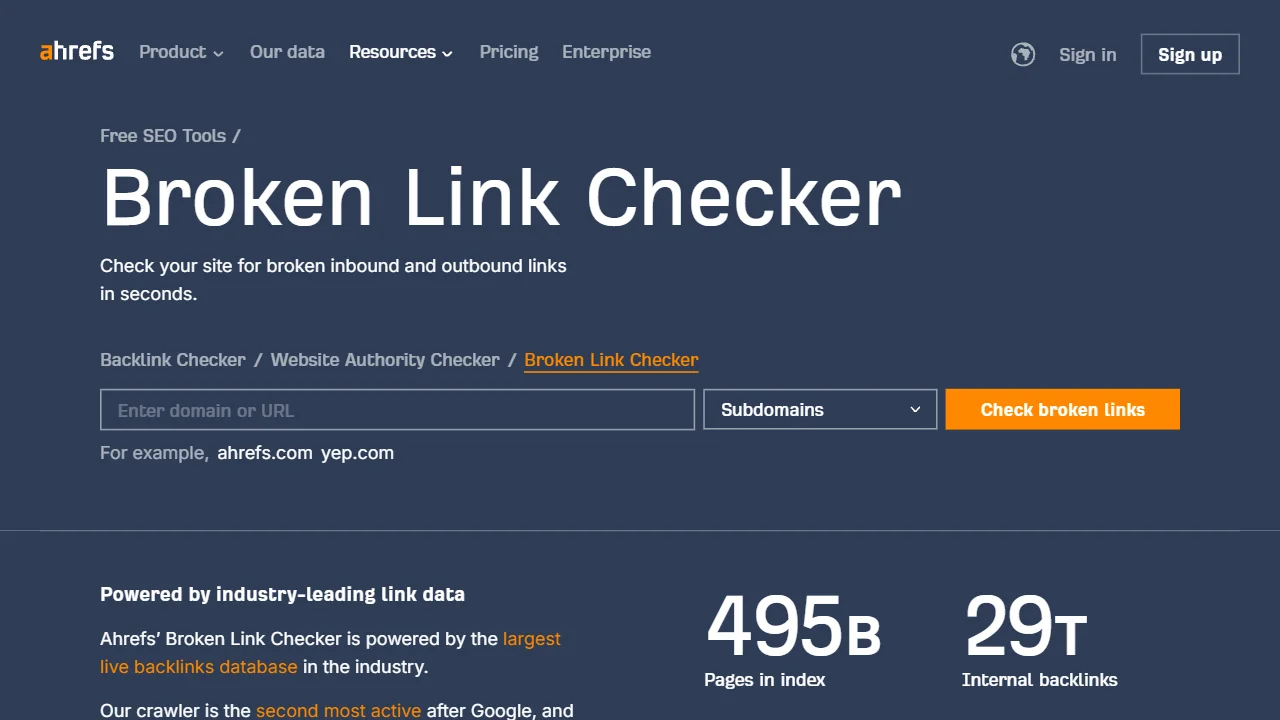
7. Ahrefs Broken Link Checker
Best for: SEO professionals looking for a free entry point to premium tools
Ahrefs offers a free broken link checker tool that provides a taste of their premium SEO suite's capabilities.
Key Features:
- Powered by Ahrefs' extensive link database
- Checks both internal and external broken links
- Shows which pages contain the broken links
- No registration required for basic use
- User-friendly interface
Limitations: Limited functionality compared to Ahrefs' paid tools
Visit Ahrefs Broken Link Checker
How to Fix Broken Links
Once you've identified broken links on your website, here are the steps to fix them:
- Redirect the URL: If the page has moved, set up a 301 redirect to the new location
- Update the link: If the destination has changed, update the link to point to the correct URL
- Remove the link: If the content is no longer relevant, remove the link entirely
- Replace with similar content: Find alternative content to link to if the original is gone
- Recreate the page: If it's your own content that's missing, consider recreating it
Pro Tip
Set up a custom 404 error page with helpful navigation options to improve user experience when visitors encounter broken links that haven't been fixed yet.
Best Practices for Preventing Broken Links
Prevention is always better than cure. Here are some best practices to minimize broken links on your website:
- Regular Audits: Schedule monthly or quarterly broken link checks
- Use Relative URLs: For internal links, use relative URLs when possible
- Implement 301 Redirects: Always redirect URLs when moving or deleting pages
- Check External Links: Verify external links before adding them to your content
- Monitor Site Changes: Be aware of how site structure changes might affect existing links
- Use a Link Management System: Consider using a system to manage and update links centrally
Conclusion
Broken links are an inevitable part of website maintenance, but with the right tools and regular checks, you can minimize their impact on your site's user experience and SEO performance. The free broken links checker tools listed in this guide provide excellent options for websites of all sizes to identify and fix broken links.
Remember that maintaining a website free of broken links is an ongoing process rather than a one-time task. By implementing regular checks and following best practices, you can ensure your website provides a seamless experience for both users and search engines.
Related Articles
- 10 Top Website Speed Tests (Free) for Optimizing Web Performance
- Best Online Image Compressor for Web Optimization
- 10 Best Meta Tag Analyzer Tools for SEO
- How to Build High-Quality Backlinks
- Free SEO Tools by DrillSEO - Access our complete collection of free SEO tools