Website speed is a critical factor for both user experience and search engine rankings. In this article, we'll explore the top 10 free website speed testing tools that can help you optimize your web performance.
Pro Tip: Most of these tools offer both free and premium versions. The free versions are sufficient for basic speed testing, but premium versions often provide more detailed insights and historical data tracking.
1. Google PageSpeed Insights
Google's PageSpeed Insights is one of the most popular tools for testing website speed. It provides separate scores for mobile and desktop versions of your site, along with specific recommendations for improvement.
You can also access PageSpeed Insights programmatically using the API:
https://www.googleapis.com/pagespeedonline/v5/runPagespeed?url=https://example.com&key=YOUR_API_KEY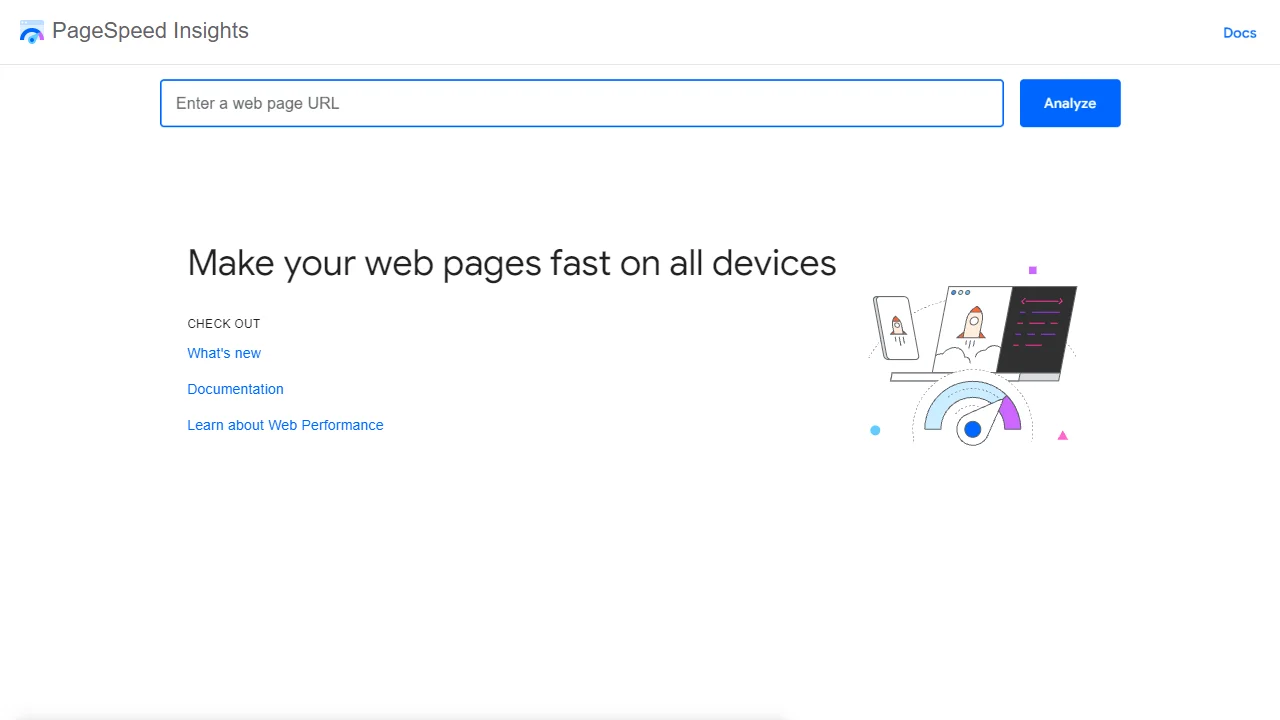
2. Pingdom Website Speed Test
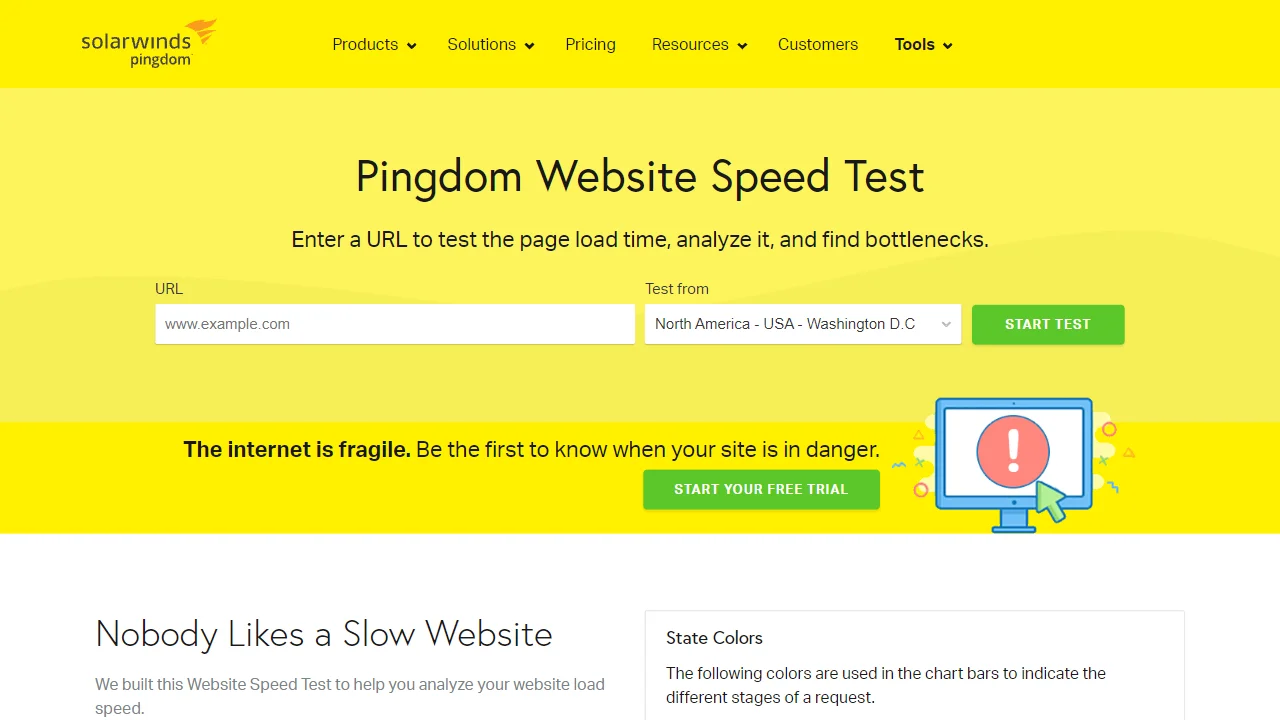
Pingdom offers a comprehensive website speed test that analyzes your site's load time, performance grade, and provides a breakdown of each element on your page.
3. GTmetrix
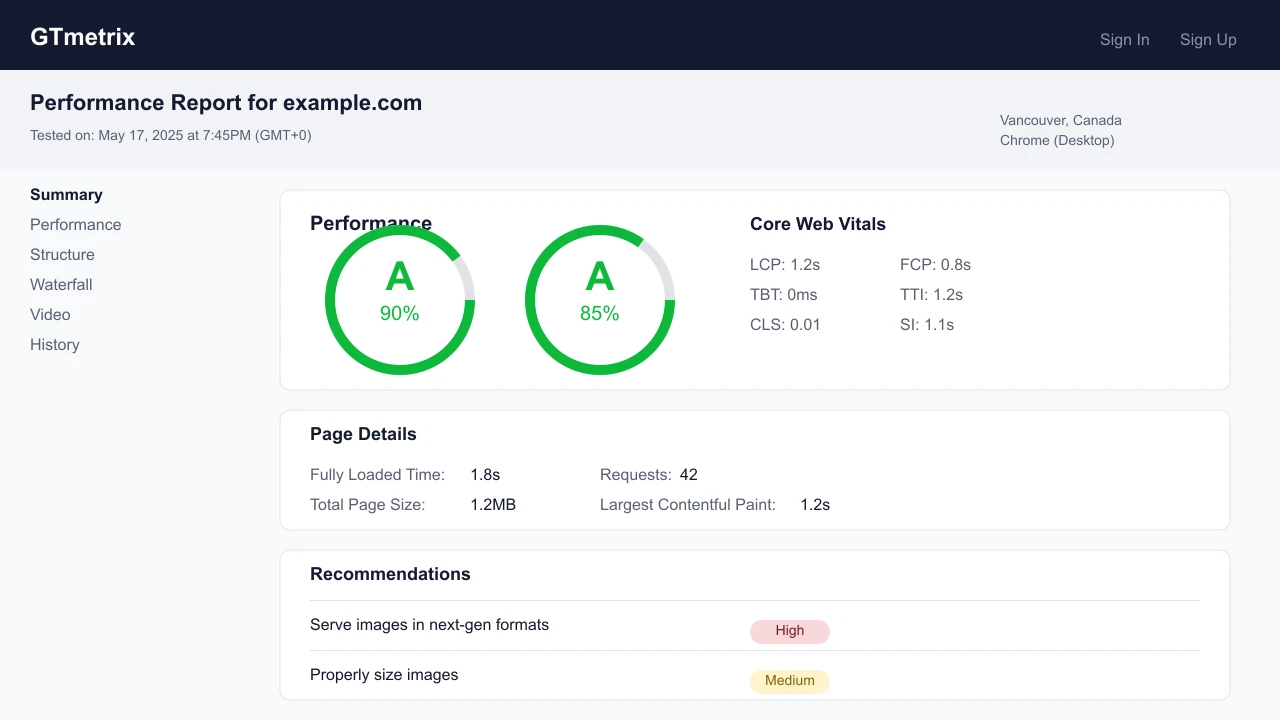
GTmetrix combines Google PageSpeed Insights and YSlow to give you a complete picture of your site's performance. It also provides actionable recommendations to fix issues.
4. WebPageTest
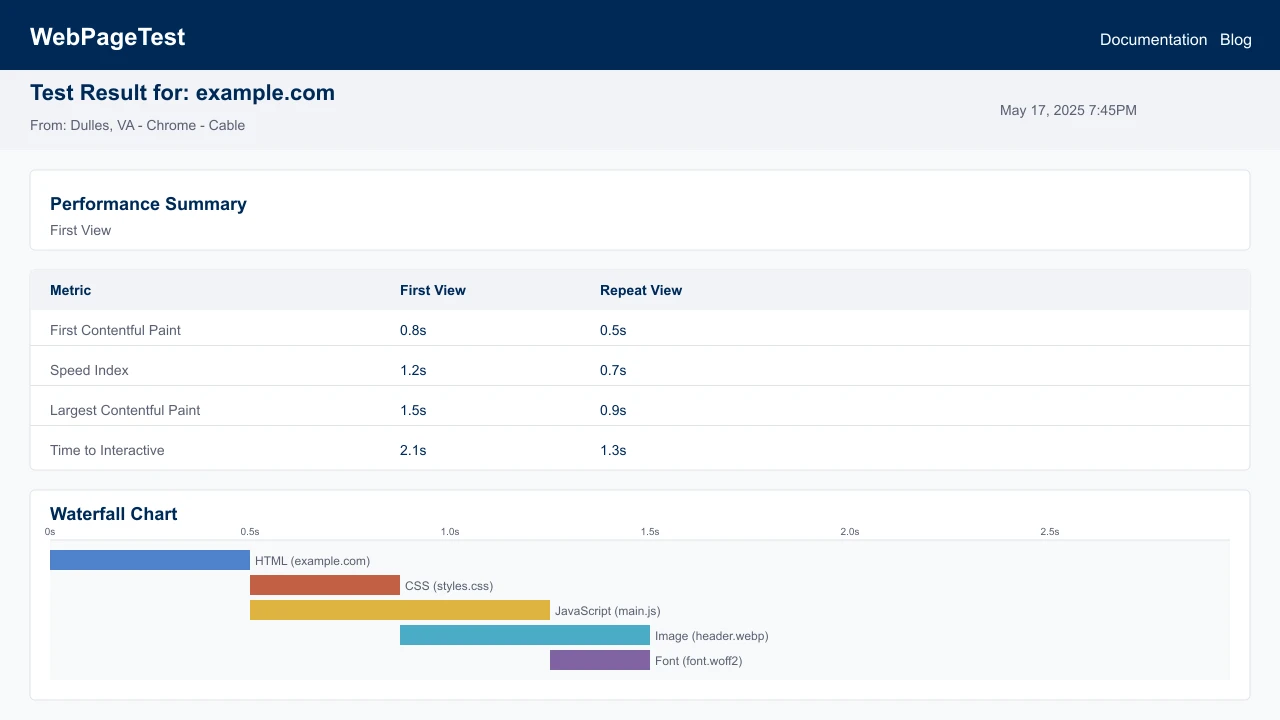
WebPageTest offers advanced testing options, including the ability to test from multiple locations and browsers. It provides detailed waterfall charts and performance metrics.
5. Dotcom-Tools Website Speed Test
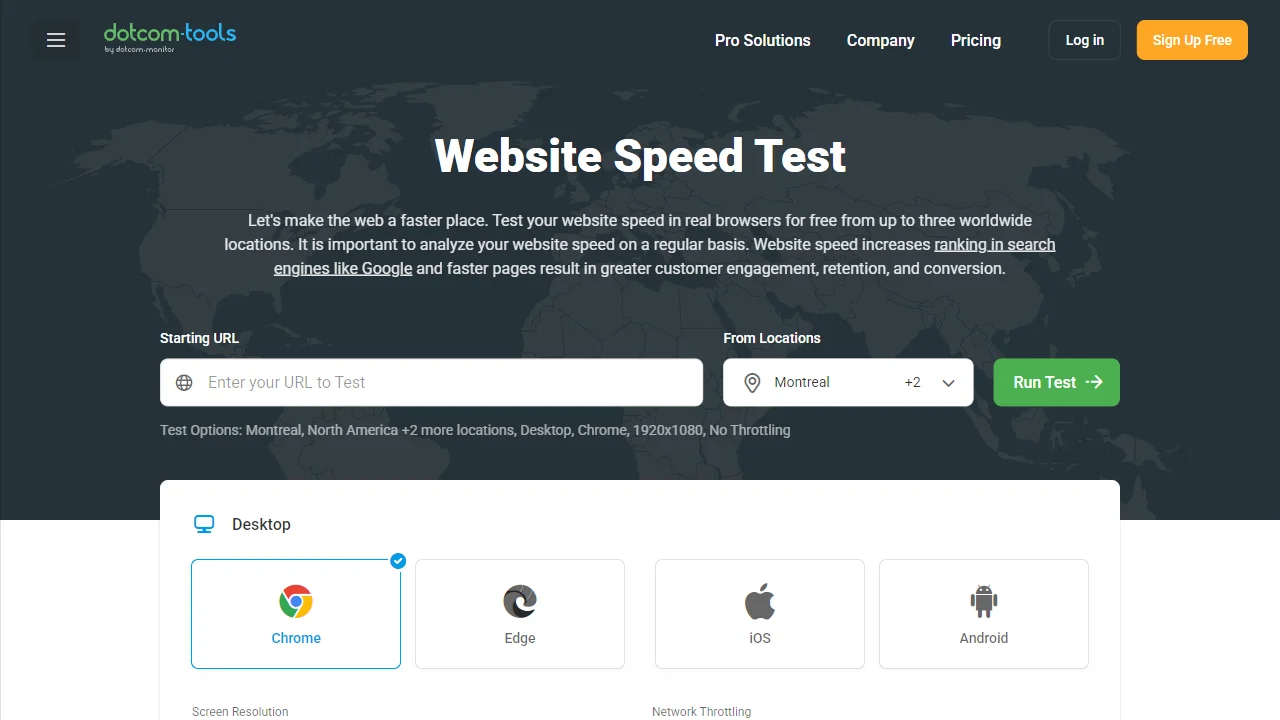
This tool allows you to test your website's speed from multiple locations around the world, giving you insights into how your site performs globally.
6. Lighthouse (Chrome DevTools)
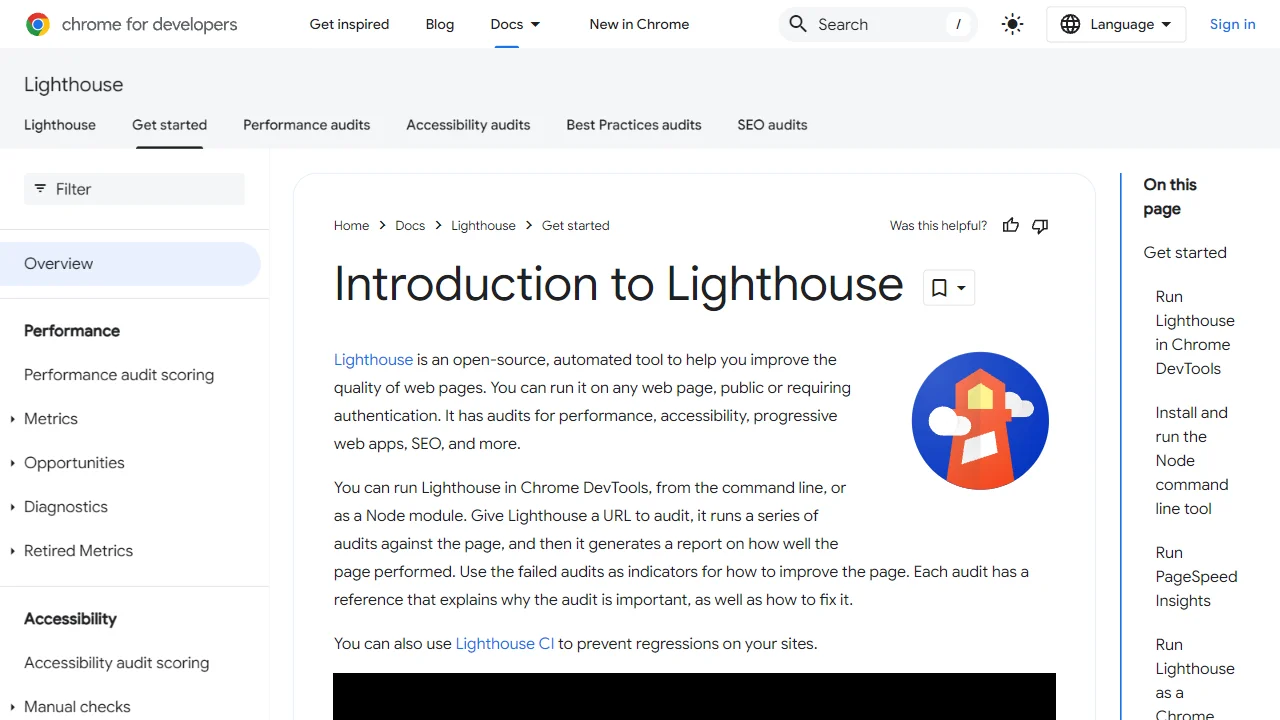
Lighthouse is built into Chrome DevTools and provides audits for performance, accessibility, progressive web apps, SEO, and more.
To use Lighthouse:
- Open Chrome DevTools (F12 or right-click and select "Inspect")
- Navigate to the "Lighthouse" tab
- Select the categories you want to audit
- Click "Generate report"
You can also use Lighthouse via the command line with Node.js:
npm install -g lighthouse
lighthouse https://example.com --view
7. KeyCDN Website Speed Test
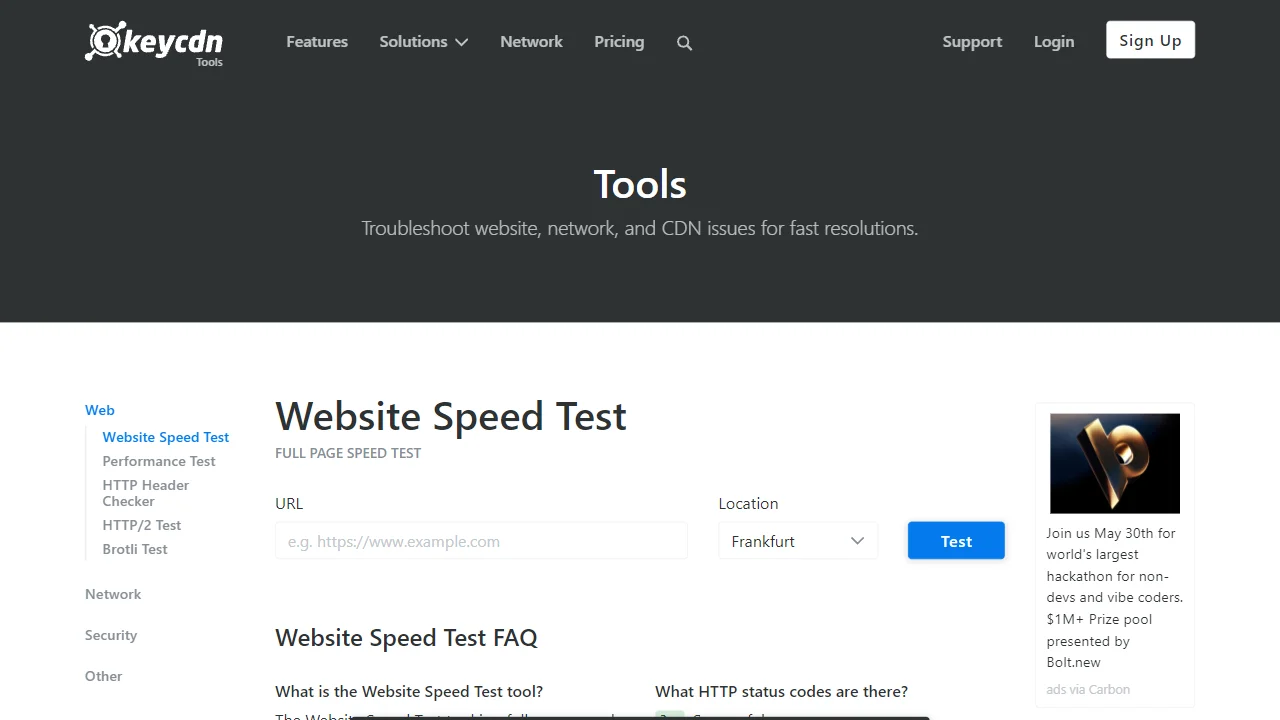
KeyCDN's tool tests your website's speed from multiple locations and provides detailed information about load times and request counts.
Key features include:
- Testing from 14 different locations worldwide
- Detailed waterfall charts
- Resource timing information
- Performance metrics like TTFB (Time To First Byte)
8. Varvy Pagespeed Optimization
Varvy's tool checks your site against Google's pagespeed recommendations and provides actionable advice for improvements.
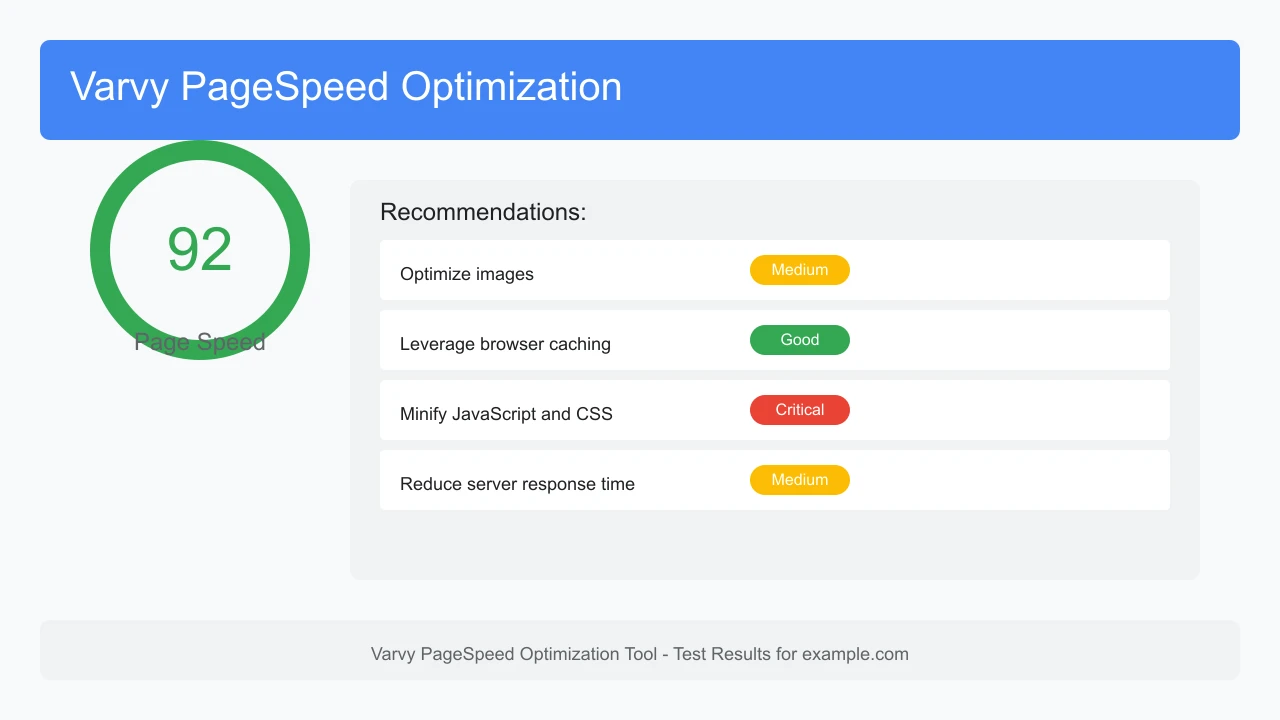
It analyzes various aspects of your site, including:
- Server response time
- Render-blocking resources
- Image optimization
- Browser caching
- Minification of resources
9. Yellow Lab Tools
Yellow Lab Tools analyzes web pages and helps you identify performance issues, focusing on JavaScript and CSS optimization.
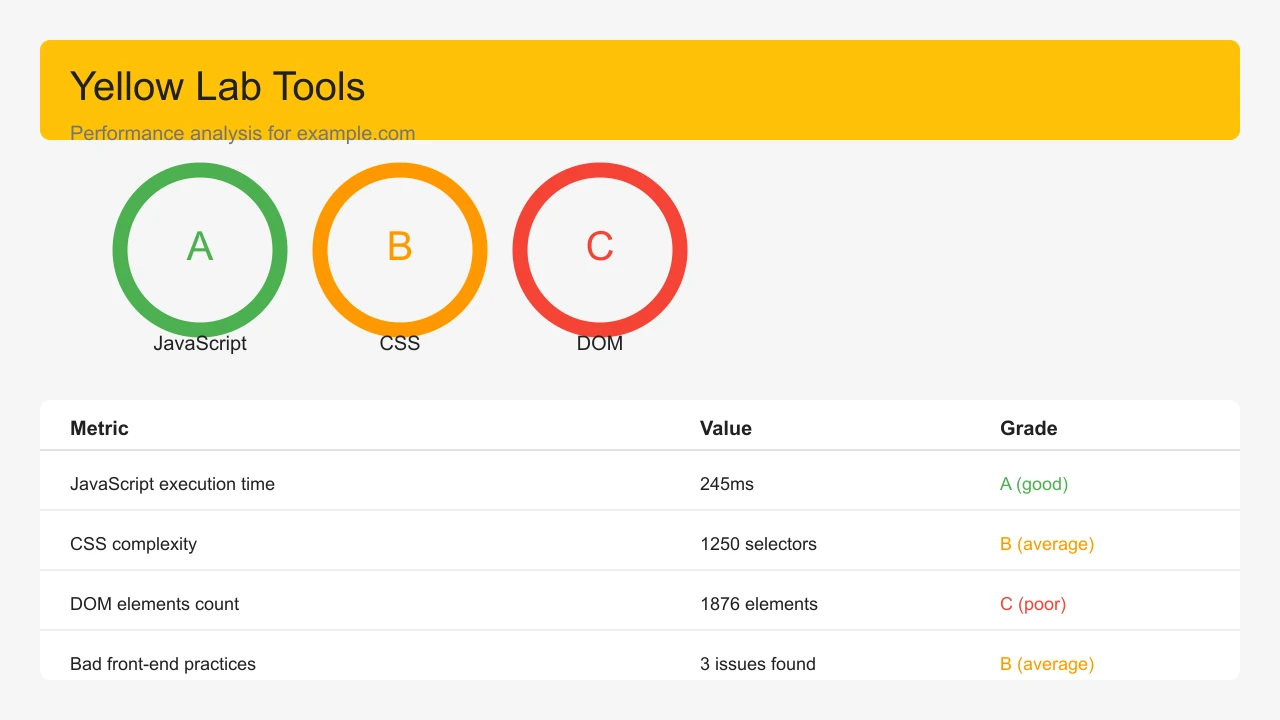
This tool is particularly useful for developers as it provides detailed technical insights into:
- JavaScript execution time
- CSS complexity
- DOM size and complexity
- Bad practices in front-end coding
10. Uptrends Website Speed Test
Uptrends offers a free website speed test that checks your site from multiple locations and provides waterfall charts and performance metrics.
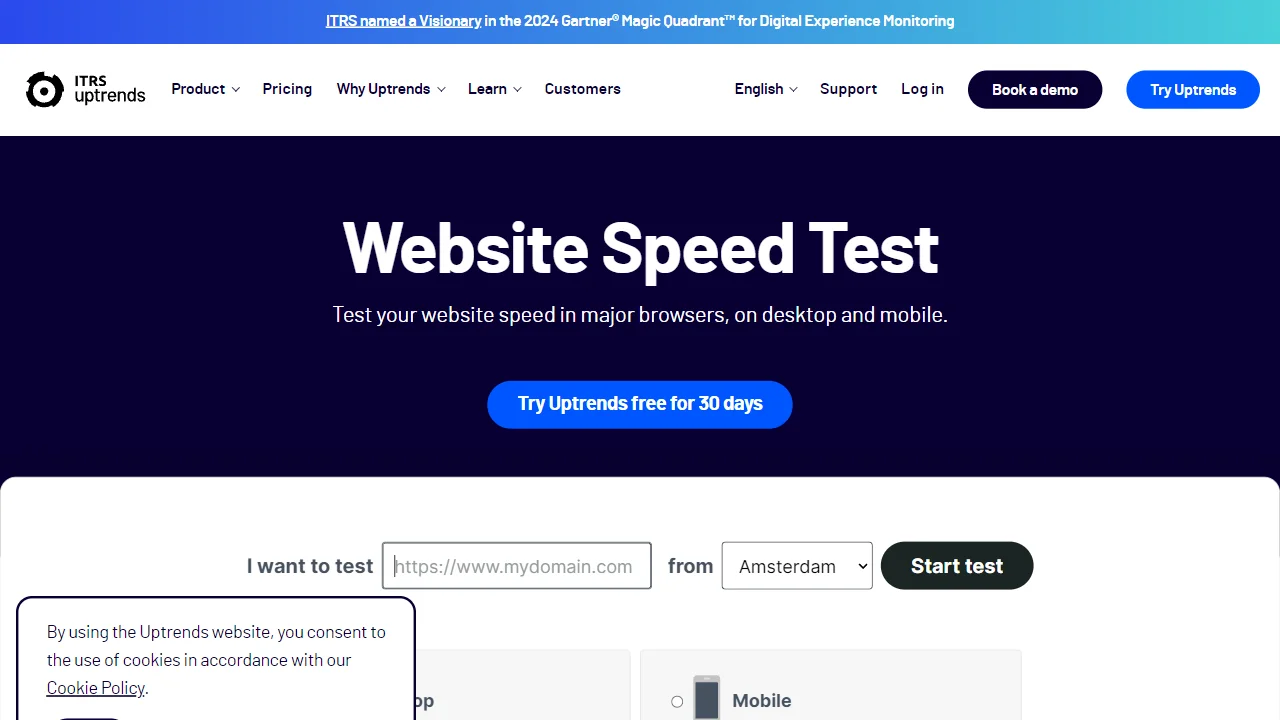
Benefits of using Uptrends include:
- Testing from over 200 checkpoints worldwide
- Detailed performance metrics
- Waterfall charts showing load sequence
- Page size and request count analysis
Important Note
Different speed testing tools may provide varying results due to differences in testing methodologies, server locations, and evaluation criteria. For the most accurate assessment, use multiple tools and focus on consistent patterns rather than individual scores.
Conclusion
Regularly testing your website's speed with these tools can help you identify and fix performance issues, leading to better user experience and higher search engine rankings. Remember that different tools may provide slightly different results, so it's best to use multiple tools to get a comprehensive view of your site's performance.
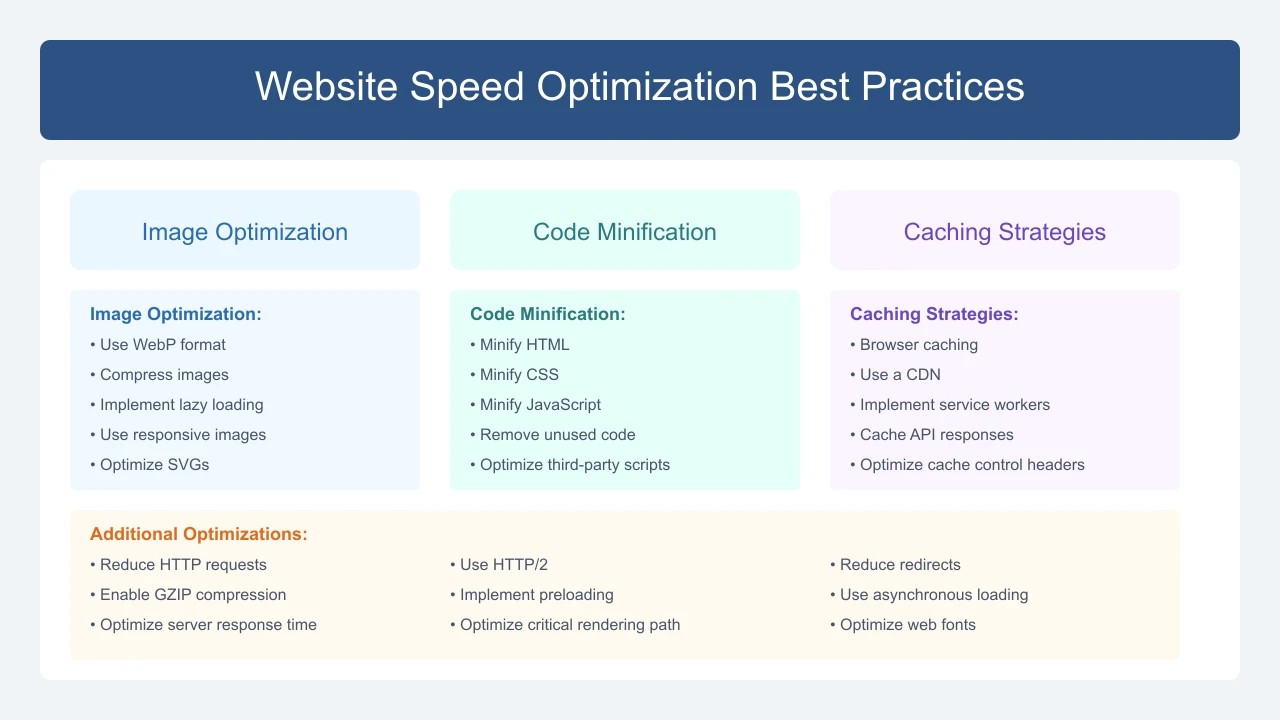
For optimal website performance, focus on these key areas:
- Optimize images and use modern formats like WebP
- Minimize HTTP requests
- Enable browser caching
- Minify CSS, JavaScript, and HTML
- Use a Content Delivery Network (CDN)
- Optimize server response time