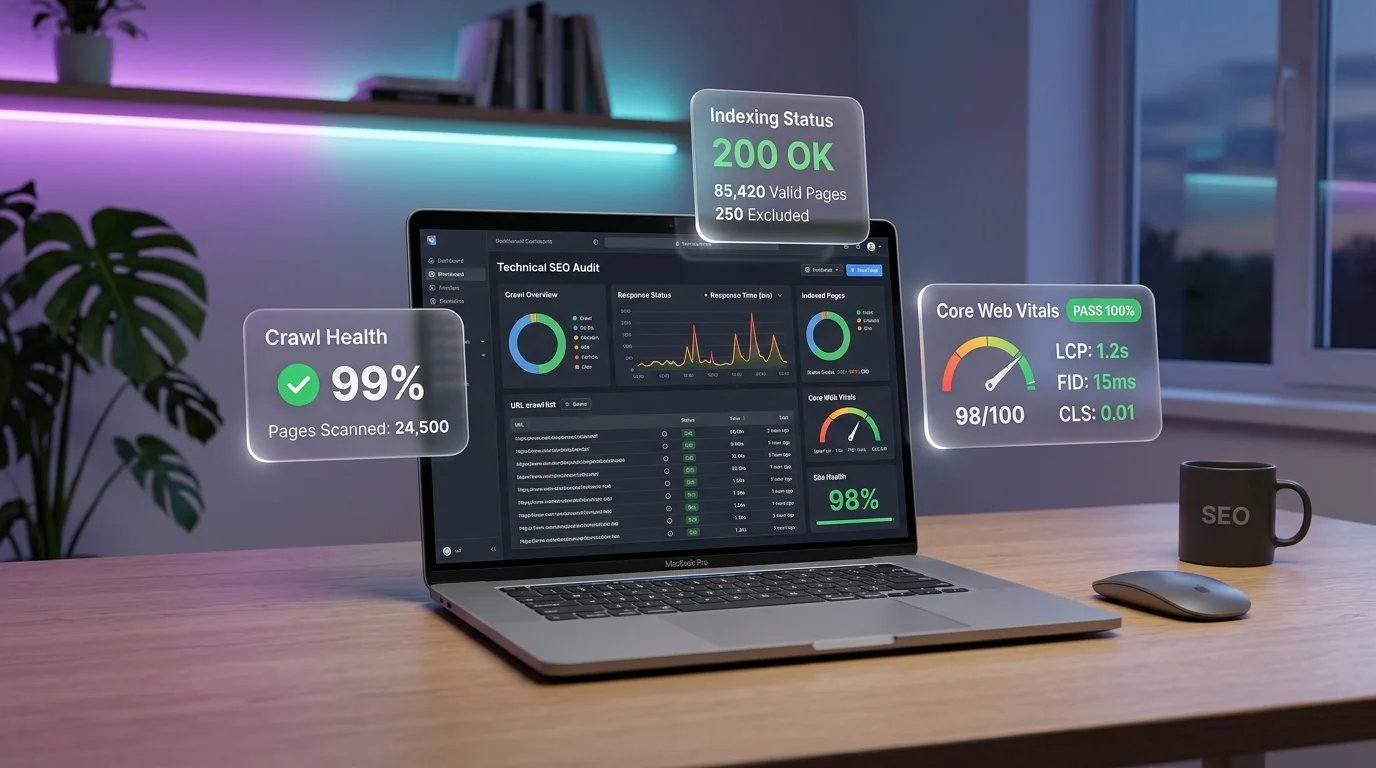
Understanding Google Core Web Vitals in 2026
Google's Core Web Vitals (CWV) represent a standardized framework of real-world, user-centric performance metrics measuring critical aspects of webpage experience: loading speed, visual stability, and interaction responsiveness. Passing Core Web Vitals is an active ranking signal in Google's Page Experience algorithm and directly impacts organic traffic, user retention, and conversion rates.
With Interaction to Next Paint (INP) fully established as the primary responsiveness metric replacing First Input Delay (FID), website owners must focus on main-thread efficiency, task prioritization, and JavaScript execution bottlenecks. In this technical walkthrough, we break down exactly how to audit, debug, and achieve a 100% pass rate on all three Core Web Vitals metrics based on 75th percentile Chrome User Experience Report (CrUX) field data.
The Three Core Web Vitals Thresholds (CrUX 75th Percentile)
Google evaluates site performance using rolling 28-day real-user field data collected from Chrome browsers worldwide:
| Core Metric | Good (Passing) | Needs Improvement | Poor (Failing) | Primary Root Causes |
|---|---|---|---|---|
| Largest Contentful Paint (LCP) | ≤ 2.5 seconds | 2.5s – 4.0s | > 4.0 seconds | Slow TTFB, render-blocking CSS/JS, unoptimized hero images, client-side rendering lag |
| Interaction to Next Paint (INP) | ≤ 200 milliseconds | 200ms – 500ms | > 500 milliseconds | Long JavaScript tasks (>50ms), heavy event listeners, synchronous DOM mutations, unoptimized React state re-renders |
| Cumulative Layout Shift (CLS) | ≤ 0.1 | 0.1 – 0.25 | > 0.25 | Images/embeds without explicit width & height, dynamic ad banner injection, FOIT/FOUT web font swaps |
1. How to Optimize Largest Contentful Paint (LCP ≤ 2.5s)
The LCP candidate is the largest visible element within the initial viewport when the page first loads—typically a hero banner image, featured article thumbnail, video background, or large typography block.
A. Preload and Prioritize the Above-the-Fold Hero Image
Ensure modern browsers discover and fetch the LCP asset immediately without waiting for CSS stylesheets or JavaScript bundles to be parsed:
<!-- Place inside <head> before any external stylesheet links -->
<link
  rel="preload"
  as="image"
  href="/images/featured/hero-banner.webp"
  type="image/webp"
  fetchpriority="high"
/>
B. Convert Images to Next-Gen Formats (AVIF / WebP)
Traditional JPEG and PNG formats create unnecessarily large network payloads. Converting assets to WebP or AVIF reduces file sizes by 35% to 65% with zero perceptible visual degradation.
C. Keep Time to First Byte (TTFB) Under 600ms
If your web server takes 1.5 seconds just to deliver the initial HTML document, passing LCP is mathematically impossible. Implement full-page edge caching via Cloudflare Cache Rules or Fastly to deliver raw HTML within 50–150ms globally.
2. How to Fix Interaction to Next Paint (INP ≤ 200ms)
INP measures the total latency of all user interactions (clicks, taps, and key presses) throughout the entire lifespan of the page visit, reporting the worst interaction delay (excluding rare outliers).
A. Yield the Main Thread Using scheduler.yield()
Any JavaScript task taking longer than 50 milliseconds is categorized as a "Long Task" that locks the browser main thread, preventing user input from rendering. Use modern cooperative scheduling to yield control back to the browser between batch operations:
async function handleDataFiltering(dataset) {
  const results = [];

  for (let i = 0; i < dataset.length; i++) {
    results.push(transformRecord(dataset[i]));

    // Yield execution to the browser every 50 items so user clicks and typing render instantly
    if (i % 50 === 0) {
      if ('scheduler' in window && 'yield' in scheduler) {
        await scheduler.yield();
      } else {
        await new Promise(resolve => setTimeout(resolve, 0));
      }
    }
  }

  renderTable(results);
}
B. Debounce Form Inputs and Live Search Queries
Triggering expensive DOM updates or state recalculations on every single keystroke causes severe presentation delays. Always wrap search and filter inputs in a 200–300ms debounce handler.
3. How to Eliminate Cumulative Layout Shift (CLS ≤ 0.1)
CLS calculates the sum total of all unexpected layout shift scores for every visual element that changes its starting position while the page is being read.
A. Reserve Fixed-Dimension Placeholders for Dynamic Ads
When Google AdSense or programmatic header bidding units load asynchronously, they push body text downward, triggering massive CLS penalties. Always reserve minimum height containers with CSS min-height:
<!-- Container reserves space before the AdSense script finishes loading -->
<div class="ad-slot-container" style="min-height: 280px; width: 100%; display: flex; justify-content: center; margin: 24px 0;">
  <ins class="adsbygoogle"
       style="display:block"
       data-ad-client="ca-pub-1502721130755998"
       data-ad-slot="1234567890"
       data-ad-format="auto"
       data-full-width-responsive="true"></ins>
</div>
B. Declare Explicit Width and Height on Every Image
Modern browsers calculate aspect ratios automatically if HTML attributes are present:
<img src="/images/chart.webp" width="800" height="450" alt="Core Web Vitals Comparison" loading="lazy" decoding="async" />