The Crawl vs. Index Dilemma Explained
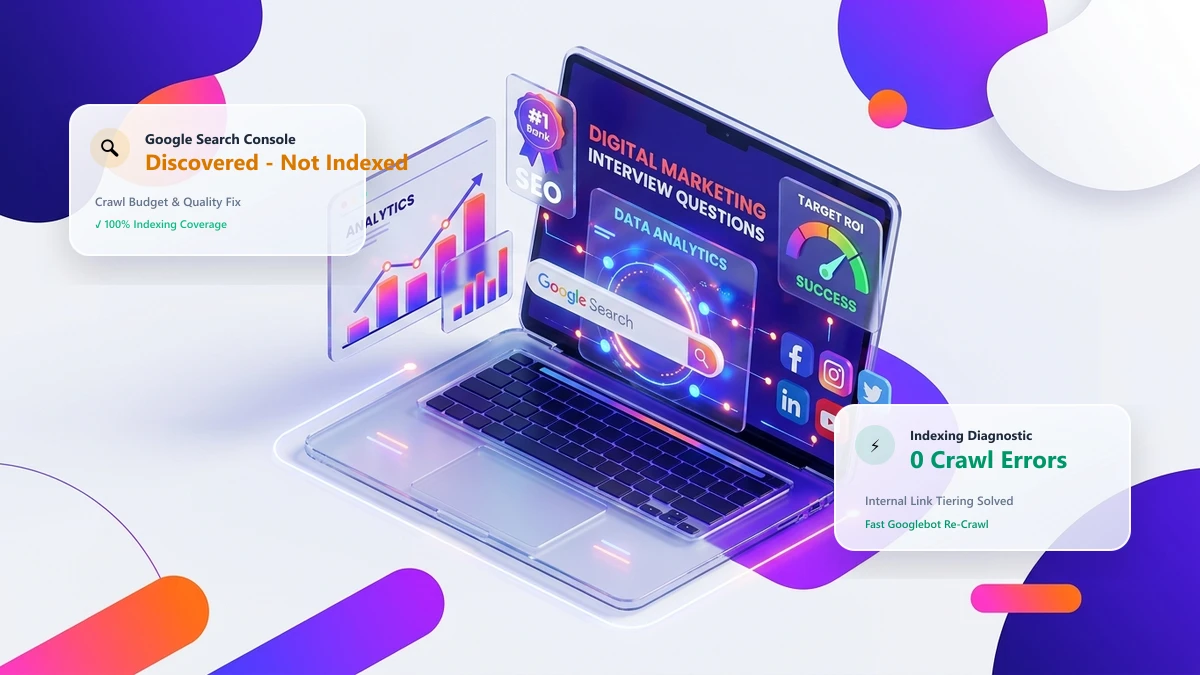
Publishing an article only to find it stuck in Google Search Console under "Discovered - currently not indexed" or "Crawled - currently not indexed" is one of the most frustrating technical SEO challenges. Googlebot carefully budgets its crawling and indexing resources based on your domain's historical authority, server responsiveness, and content uniqueness.
If Googlebot encounters slow server response times, duplicate content, or weak internal linking, new pages can remain unindexed for weeks. Below is the complete technical playbook to trigger rapid crawl dispatch and indexation within hours.
10 Proven Techniques for Rapid Indexation
1. Programmatic URL Submission via Google Indexing API
While originally designed for job postings and live broadcast events, the Google Indexing API provides the fastest programmatic notification mechanism to alert Googlebot of new or updated URLs.
2. Maintain Dynamic, Lightweight XML Sitemaps
Ensure your sitemap.xml only contains 200-OK canonical URLs (never redirects or noindex pages) and automatically updates the lastmod timestamp upon content revisions.
3. Inject Contextual Internal Links from High-Frequency Crawl Pages
Googlebot crawls popular pages (such as your homepage and top-ranking blog posts) multiple times per day. Adding an internal link from a high-traffic hub to your new article ensures immediate spider discovery.
4. Keep Server Time to First Byte (TTFB) Under 600ms
When server response times exceed 1,500ms, Googlebot automatically throttles its crawl rate across your entire domain to prevent server overload. Deploy edge caching to deliver HTML in under 150ms.
5. Verify Robots.txt and Header Directives
Inspect your robots.txt file and HTTP response headers to ensure you are not inadvertently serving X-Robots-Tag: noindex or blocking critical rendering assets (CSS/JS).
6. Ensure 100% Unique Value and Avoid Thin Content
Pages with fewer than 500 words or repetitive boilerplate text are frequently flagged as low-priority and relegated to "Crawled - currently not indexed".
7. Syndicate Across Active Community Channels
Sharing new articles across platforms like Twitter/X, LinkedIn, and developer forums creates secondary external crawl signals that prompt search engine bots to visit the URL.
8. Implement Self-Referencing Canonical Tags
Ensure every new URL explicitly declares itself as canonical in the HTML <head>:
<link rel="canonical" href="https://drillseo.com/seo/how-to-get-google-to-index-your-pages-fast" />9. Submit Priority URLs via GSC URL Inspection Tool
For urgent publications, use the "Inspect URL" search bar in Google Search Console and click "Request Indexing" to trigger a priority crawl queue.
10. Maintain a Clean, Uncluttered Site Architecture
Keep your total click depth under 3 levels and eliminate broken links to ensure maximum crawl budget efficiency.