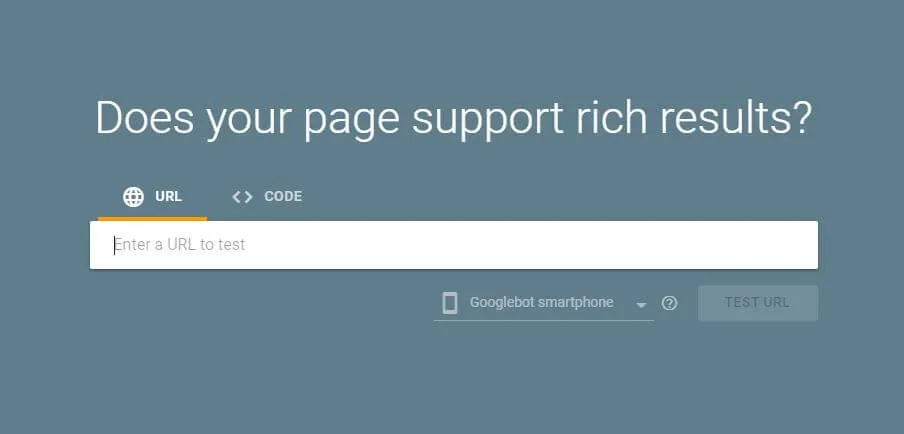
Testing and validating structured data markup is an indispensable phase of technical SEO deployment. While Google previously relied on the legacy Structured Data Testing Tool (SDTT), it transitioned validation into two distinct specialized instruments: the Google Rich Results Test (which measures direct eligibility for Google SERP features like rich snippets and star ratings) and the Schema.org Validator hosted by Schema.org (which validates complete semantic syntax compliance). Using the right tool prevents silent schema syntax failures and entity graph breakages.
In this technical debugging guide, you will learn the exact differences between both validation tools, how to test live staging environments and local JSON-LD snippets, fix the top 5 schema errors, and verify rich snippets in Google Search Console.
Rich Results Test vs Schema.org Validator: When to Use Which
| Validation Feature | Google Rich Results Test | Schema.org Validator |
|---|---|---|
| Primary Purpose | Tests eligibility for Google-specific SERP features (Product, FAQ, Review, Article). | Validates 100% of the universal Schema.org vocabulary and syntax. |
| Crawling Engine | Uses genuine Googlebot Smartphone rendering Chromium engine. | Direct DOM / static HTML text parser. |
| Supported Schemas | Only schemas officially supported by Google for rich search snippets. | All 800+ Schema types, subtypes, and extensions. |
| Visual Previews | Provides desktop and mobile Google SERP rich snippet mockups. | Raw entity hierarchy tree display. |
Step-by-Step Validation Workflow: Code Snippet vs Live URL
- Testing Code Snippets Pre-Deployment: Before shipping changes to production, copy your generated JSON-LD script block and paste it directly into the "Code" tab at
search.google.com/test/rich-results. This catches JSON syntax typos (missing commas, unescaped quotes) before code review. - Testing Live Rendered URLs: Paste your production URL into the "URL" tab. Googlebot Smartphone executes the page, executes client-side hydration, and displays both detected rich results and rendered HTML.
- Inspect Blocked Resources: Check the “Page resources” tab. If your
robots.txtblocks critical JavaScript bundles or API endpoints, Googlebot cannot render dynamic schema markup.
Diagnosing & Fixing the Top 5 Common Schema Validation Errors
- “Missing field 'image'” or “'author'”: Article schema mandates high-resolution image URLs and author attribution. Ensure image URLs are absolute HTTPS paths, not relative paths.
- “Value in field 'offers' is required”: For Product schema, Google requires either an
OfferorAggregateOfferobject containing price, priceCurrency, and availability. - “Invalid date format”: Timestamps in
datePublishedordateModifiedmust use ISO 8601 formatting (e.g.,2026-05-18T10:00:00Z). Human-readable dates like "May 18, 2026" fail validation. - “Unrecognized property”: Typographical error in property casing. Schema.org properties are strictly camelCase (e.g.,
datePublished, notdate_publishedorDatePublished). - “Nested item does not match declared type”: Ensure child entities match Schema.org inheritance hierarchies.
Verifying Dynamic SSR & Next.js JSON-LD Injection
In modern Next.js 14/15 App Router applications, structured data is injected using a <script type="application/ld+json"> component inside page.tsx. Verify that the schema renders directly in initial server HTML by running:
curl -s https://drillseo.com/seo/canonical-tags-seo-guide | grep -A 20 "application/ld+json"If the cURL output returns the JSON payload, Googlebot First Wave crawl will index your structured data instantly without waiting in the JavaScript Web Rendering Service (WRS) queue.
Monitoring Rich Snippets Performance in Google Search Console
Once validated, track real-world SERP impressions inside Google Search Console:
- Navigate to Enhancements in the GSC sidebar (e.g., Breadcrumbs, Review snippets, FAQ, Merchant listings).
- Monitor the Valid with warnings and Invalid trends. Fix invalid items immediately to prevent sudden loss of rich search snippets.
- In Search results > Search appearance, filter impressions and clicks generated exclusively by rich snippet enhancements to quantify organic traffic lift.