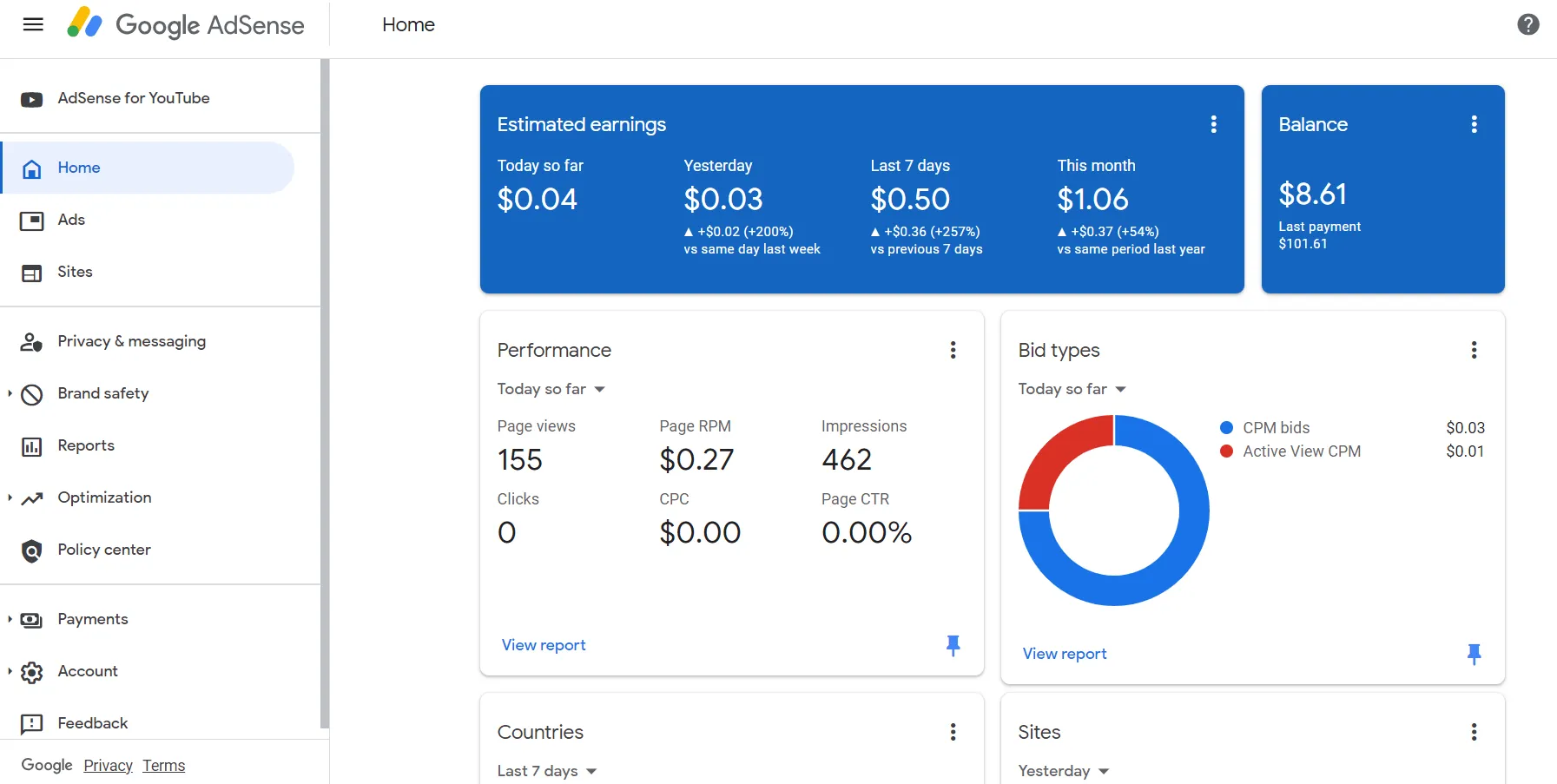
Maximizing Google AdSense earnings requires far more than merely increasing pageviews. AdSense operates on a dynamic real-time bidding auction where dozens of ad networks compete for your available ad slots. If your ad slots are flooded with low-paying, spammy, or irrelevant advertisers (such as clickbait mobile games or low-intent retargeting campaigns bidding $0.01 to $0.03 CPC), they suppress your overall Page RPM and crowd out premium Tier-1 advertisers willing to pay $1.50 to $10.00+ per click.
In this technical AdSense optimization guide, you will learn how to audit your advertiser performance inside Google AdSense Blocking Controls, identify low-yield advertiser URLs and subcategories, and strategically filter low-paying inventory without harming overall auction bid pressure.
How the AdSense Auction Works & Why Bid Pressure Matters
Google AdSense runs a modified second-price auction. When multiple advertisers bid for a slot, the winning advertiser pays just $0.01 more than the second-highest bidder. If you block too many advertisers indiscriminately, you eliminate second-highest bidders, artificially dropping your winning clearing price. The goal is surgical removal of zero-value drag — advertisers that consume impressions but generate near-zero revenue.
1. Blocking Specific Low-Paying Advertiser URLs
- Log in to your Google AdSense Dashboard.
- Navigate to Brand Safety > Content > Blocking Controls.
- Under Advertiser URLs, click Manage Advertiser URLs.
- Review the domains showing high impression share but sub-$0.02 CPCs.
- Enter specific root domain URLs (e.g.,
cheapclickgames.com,spammyquizhub.net) and click Block. Google will halt bidding from those domains within 1 hour.
2. Optimizing General & Sensitive Ad Categories
Navigate to General Categories in Blocking Controls. AdSense displays the percentage of ad impressions vs the percentage of revenue generated by each category:
- Identify Negative Yield Categories: If a category (e.g., “Hobbies, Games & Leisure”) accounts for 18% of your total ad impressions but only generates 1.2% of your revenue, toggle it to Blocked.
- Preserve High-Performing Categories: Categories like “Computers & Consumer Electronics”, “Finance”, “Business & Industrial”, and “Internet & Telecom” frequently produce 60%+ of revenue despite fewer impressions. Keep them unblocked.
- Sensitive Categories: Review Sensitive Categories (e.g., “Get Rich Quick”, “Astrology”, “Dating”). Blocking predatory categories improves user trust and aligns with Google E-E-A-T quality guidelines.
3. Reviewing Certified Ad Networks
Under Ad networks, Google permits third-party ad exchanges to bid on your inventory:
- Leave Automatically allow new Google-certified ad networks toggled On to ensure maximum competition.
- Inspect individual networks once a quarter. If a specific exchange consistently underbids, block that individual network.
The 80/20 Rule of Blocking: Avoiding Auction Starvation
Never block more than 10% to 15% of total ad categories. An over-restricted auction reduces fill rate (percentage of ad requests successfully answered with an ad) and forces Google to display blank spaces. Aim for a 95%+ fill rate paired with healthy viewability (>70%) for maximum RPM.