DSDrillSEO
How to Fix Low Earnings in Google AdSense for Blogger
October 4, 2026•DrillSEO Team

How to Fix Low Earnings in Google AdSense for Blogger

≡Table of Contents

Google AdSense remains one of the most popular monetization methods for Blogger sites, but many content creators struggle with lower-than-expected earnings. If you're facing this challenge, you're not alone. This comprehensive guide will help you identify the causes of low AdSense earnings and implement effective strategies to increase your revenue.

Understanding AdSense Earnings Fundamentals

Before diving into solutions, it's important to understand how AdSense earnings are calculated:

  • Cost Per Click (CPC): The amount you earn each time a visitor clicks on an ad
  • Click-Through Rate (CTR): The percentage of ad impressions that result in clicks
  • Revenue Per Mille (RPM): Your estimated earnings per 1,000 impressions
  • Page RPM: Estimated earnings per 1,000 page views
  • Impression RPM: Estimated revenue per 1,000 ad impressions

Your total earnings are influenced by multiple factors, including your niche, audience demographics, traffic quality, ad placement, and seasonal trends.
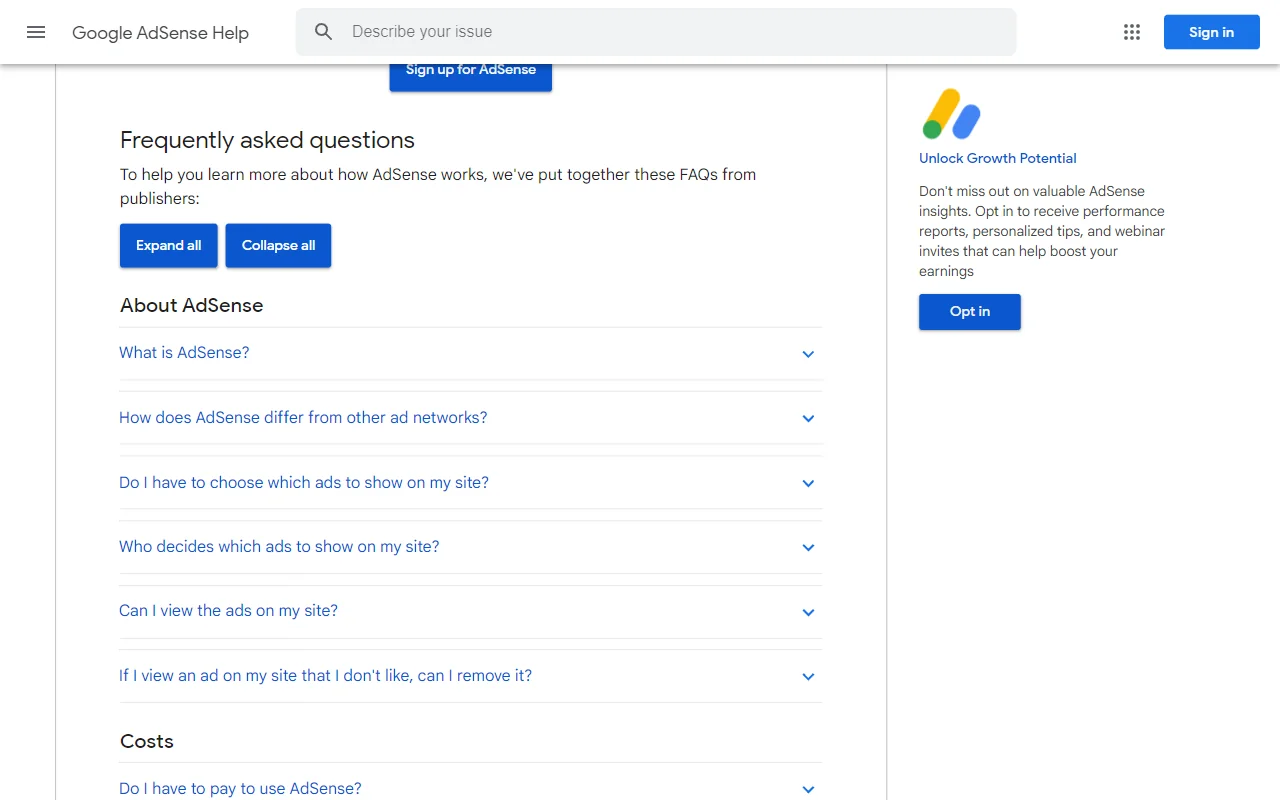
Google AdSense Dashboard
Google AdSense dashboard showing performance metrics

Common Causes of Low AdSense Earnings on Blogger

If your AdSense earnings are disappointing, several factors could be responsible:

1. Insufficient Traffic

AdSense is a volume-based monetization method. With low traffic, even high-paying ads won't generate significant income. Many successful AdSense publishers report that meaningful earnings typically begin at around 1,000 daily visitors.

2. Poor Ad Placement

Ads that are poorly positioned or blend too much with your content may go unnoticed, resulting in low CTR. Conversely, overly intrusive ads can negatively impact user experience and long-term traffic.

3. Low-Value Niche

Not all niches are created equal in terms of advertising value. Topics like finance, insurance, and business typically command higher CPCs than entertainment, gaming, or general lifestyle content.

4. Non-Optimized Ad Units

Using the wrong ad sizes or formats for your layout can significantly reduce performance. Some ad sizes and types consistently outperform others.

5. Low-Quality Traffic

Traffic quality matters as much as quantity. Visitors from certain countries, those who bounce quickly, or traffic from questionable sources may result in lower earnings.

6. Mobile vs. Desktop Imbalance

Mobile traffic typically generates lower revenue than desktop traffic. If your audience is predominantly mobile, this could explain lower earnings.

7. Ad Blockers

Increasing use of ad blockers means a significant portion of your visitors might not see ads at all.
AdSense Ad Placement
Optimal ad placement strategies for better performance

15 Proven Strategies to Increase AdSense Earnings on Blogger

Now that we understand the potential causes, let's explore actionable solutions to boost your AdSense revenue:

1. Optimize Ad Placement

Strategic ad placement can dramatically improve CTR without harming user experience:

  • Above the Fold: Place at least one ad unit where it's visible without scrolling
  • Within Content: Ads placed within content typically perform better than sidebar ads
  • End of Articles: Readers who reach the end of your content are engaged and more likely to notice ads
  • Navigation Areas: Areas near navigation menus often attract attention

Use the AdSense heatmap as a guide for optimal placement positions.

2. Experiment with Ad Formats and Sizes

Different ad formats perform differently based on your layout and audience:

  • Responsive Ads: These automatically adjust to fit available space and are essential for mobile optimization
  • High-Performing Sizes: 336×280 (large rectangle), 300×250 (medium rectangle), 728×90 (leaderboard), and 300×600 (half page) typically perform well
  • Native Ads: These match the look and feel of your site and can improve user experience
  • Auto Ads: Let Google automatically place ads in optimal positions

3. Improve Your Content Quality

High-quality content attracts more engaged visitors and better advertisers:

  • Create comprehensive, in-depth articles (1,500+ words)
  • Include relevant images, videos, and infographics
  • Ensure content is well-structured with proper headings
  • Focus on topics with commercial intent where possible

4. Increase Traffic through SEO

More quality traffic means more potential ad revenue:

  • Conduct keyword research to target valuable search terms
  • Optimize your posts for search engines
  • Build quality backlinks to improve domain authority
  • Ensure your Blogger site is mobile-friendly and loads quickly

5. Target Higher-Value Niches

If possible, incorporate content in higher-paying niches:

  • Finance, insurance, and investment
  • Legal services and advice
  • Software and technology
  • Health and wellness
  • Business and marketing

6. Improve Page Load Speed

Faster-loading pages improve user experience and ad viewability:

  • Optimize image sizes
  • Minimize unnecessary widgets and plugins
  • Use browser caching
  • Consider using a content delivery network (CDN)

7. Create Mobile-Optimized Content

With most internet traffic now mobile, optimization is crucial:

  • Use a responsive Blogger template
  • Ensure text is readable without zooming
  • Use mobile-friendly ad formats
  • Test your site on multiple devices

AdSense Optimization Tips
AdSense optimization strategies for better performance

8. Implement Lazy Loading for Ads

Lazy loading ensures ads load only when they're about to come into view:

  • Improves page load speed
  • Enhances user experience
  • Can increase viewability scores
  • May lead to higher CPMs

9. Use Custom Channels

Custom channels help you track which ad placements perform best:

  • Create channels for different ad positions
  • Monitor performance data
  • Optimize based on results
  • Attract premium advertisers with well-performing channels

10. Balance Ad Quantity

Finding the right number of ads is crucial:

  • Too few ads limit earning potential
  • Too many ads can harm user experience and violate AdSense policies
  • Test different configurations to find your optimal balance
  • Consider using Auto Ads to let Google optimize the number

11. Target Traffic from High-Value Countries

Traffic from certain countries generates significantly higher revenue:

  • United States, United Kingdom, Canada, Australia
  • Germany, France, Japan, and Scandinavian countries
  • Create content that appeals to these audiences
  • Consider SEO strategies targeting these regions

12. Reduce Bounce Rate

Visitors who stay longer on your site are more likely to interact with ads:

  • Create engaging, valuable content
  • Use internal linking to encourage exploration
  • Implement related posts widgets
  • Ensure your site design is appealing and easy to navigate

13. Experiment with Ad Styles

The appearance of your ads can significantly impact performance:

  • Test different color schemes for borders, text, and backgrounds
  • Try blending ads with your content vs. making them stand out
  • Experiment with different corner styles (rounded vs. square)
  • Use the AdSense Experiments feature to test variations

14. Implement AMP (Accelerated Mobile Pages)

AMP can improve mobile performance and ad revenue:

  • Faster loading on mobile devices
  • Better user experience
  • Potential for higher search rankings
  • Supports various ad formats

15. Be Patient and Persistent

AdSense optimization is a long-term process:

  • Monitor performance regularly
  • Make incremental changes and test results
  • Give changes time to show results (at least 1-2 weeks)
  • Keep learning and adapting your strategy
AdSense Integration with Blogger
AdSense integration with Blogger platform

Implementing AdSense Optimization in Blogger

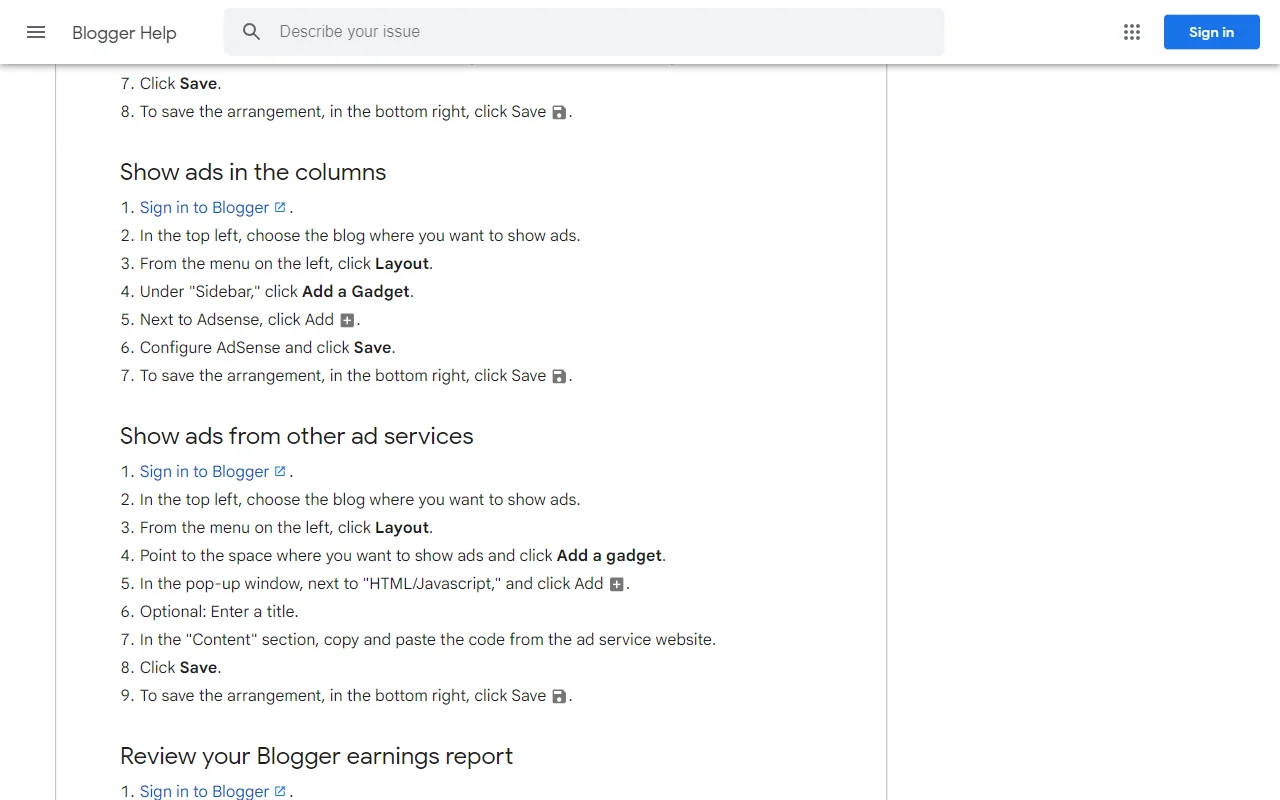
Blogger makes it relatively easy to implement many of these optimization strategies:

Adding AdSense to Specific Locations in Blogger

  1. Within Content:
    1. Edit your post in HTML view
    2. Place your AdSense code where you want the ad to appear
    3. Use <div> tags to control alignment and spacing
  2. Template-Level Integration:
    1. Go to Theme > Edit HTML
    2. Locate appropriate sections (header, sidebar, footer, etc.)
    3. Insert your AdSense code
    4. Save the template
  3. Using Blogger Gadgets:
    1. Go to Layout
    2. Click "Add a Gadget" in your desired location
    3. Select "HTML/JavaScript"
    4. Paste your AdSense code
    5. Save the gadget

Implementing Responsive Ads in Blogger

For optimal performance across devices:

  1. In your AdSense account, create a responsive ad unit
  2. Copy the generated code
  3. Place it in your Blogger template or posts
  4. Ensure your Blogger theme is responsive

Important Note on AdSense Policies

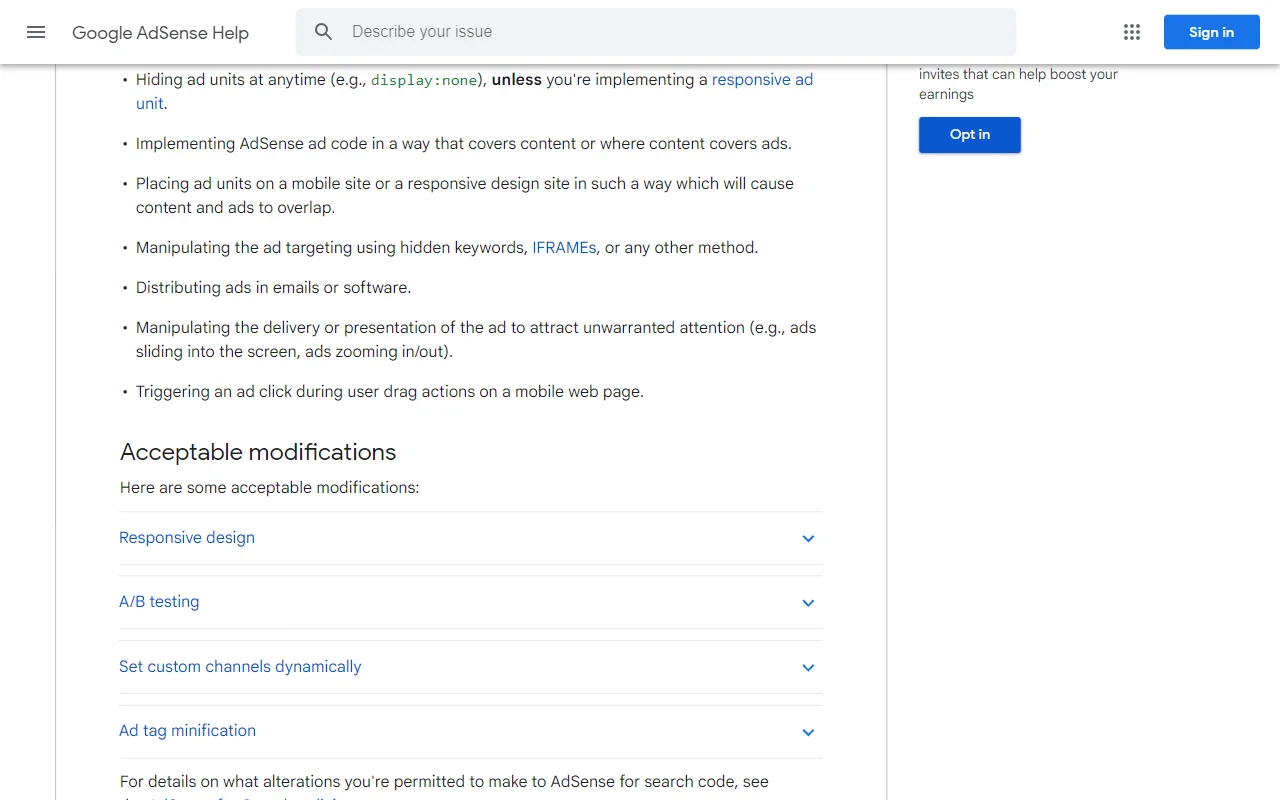
Always ensure your optimization strategies comply with AdSense policies. Violations can lead to account suspension or termination. Key points to remember:

  • Don't place more than three AdSense for content units per page
  • Never encourage clicks on ads
  • Don't place ads in ways that may result in accidental clicks
  • Ensure your content complies with AdSense program policies
  • Don't place ads on pages with insufficient content

Monitoring and Analyzing AdSense Performance

Continuous monitoring is essential for optimization:

  1. Regular Performance Checks:
    • Review your AdSense dashboard daily or weekly
    • Track key metrics: CTR, CPC, RPM, and earnings
    • Analyze performance by page, device type, and ad unit
  2. Use Google Analytics Integration:
    • Link your AdSense and Analytics accounts
    • Identify your highest-earning content
    • Understand user behavior on high-performing pages
    • Create more content similar to your top earners
  3. Seasonal Adjustments:
    • Be aware of seasonal trends in advertising
    • Q4 (October-December) typically has higher CPCs
    • Plan content around high-value seasons
    • Don't panic about temporary dips in non-peak seasons

When to Consider Alternative or Supplemental Monetization Methods

While optimizing AdSense is valuable, sometimes diversification is necessary:

  • Affiliate Marketing: Promote products related to your content and earn commissions
  • Sponsored Content: Partner with brands for paid content opportunities
  • Direct Advertising: Sell ad space directly to advertisers
  • Digital Products: Create and sell ebooks, courses, or templates
  • Membership/Subscription: Offer premium content for paying members

Consider these options if your AdSense earnings remain low despite optimization efforts, or to complement your AdSense revenue.

Conclusion

Improving AdSense earnings on your Blogger site requires a multi-faceted approach. By understanding the factors that influence ad revenue and implementing the strategies outlined in this guide, you can significantly increase your earnings over time.

Remember that AdSense optimization is a continuous process, not a one-time fix. Be patient, test different approaches, and consistently monitor your results. With persistence and strategic implementation, you can transform disappointing AdSense earnings into a reliable income stream for your Blogger site.

Most importantly, focus on creating valuable content for your audience. When you consistently deliver quality content that solves problems or fulfills needs, both your traffic and AdSense earnings will benefit in the long run.

D

About DrillSEO

Expert in SEO and digital marketing with years of experience helping businesses improve their online presence.

Newsletter

Stay Updated with SEO Tips

Subscribe to our newsletter to receive the latest SEO tips, tools, and strategies directly in your inbox

A
B
C
D
+2K
others already subscribed
4.9/5 from 2200+ reviews
We respect your privacy. Unsubscribe at any time.